Schedule YouTube videos and Shorts with your team
Attach the video, write the title and description, set the thumbnail and who can see it. Orbitwrite uploads it to your channel at the time you picked.
Cancel anytime before the trial ends.
- Videos and Shorts
- Title, thumbnail and privacy
- Views, likes and comments
How Orbitwrite handles YouTube
An upload is usually planned somewhere else and finished in YouTube Studio. Here it's written, reviewed and scheduled with the rest of the launch.
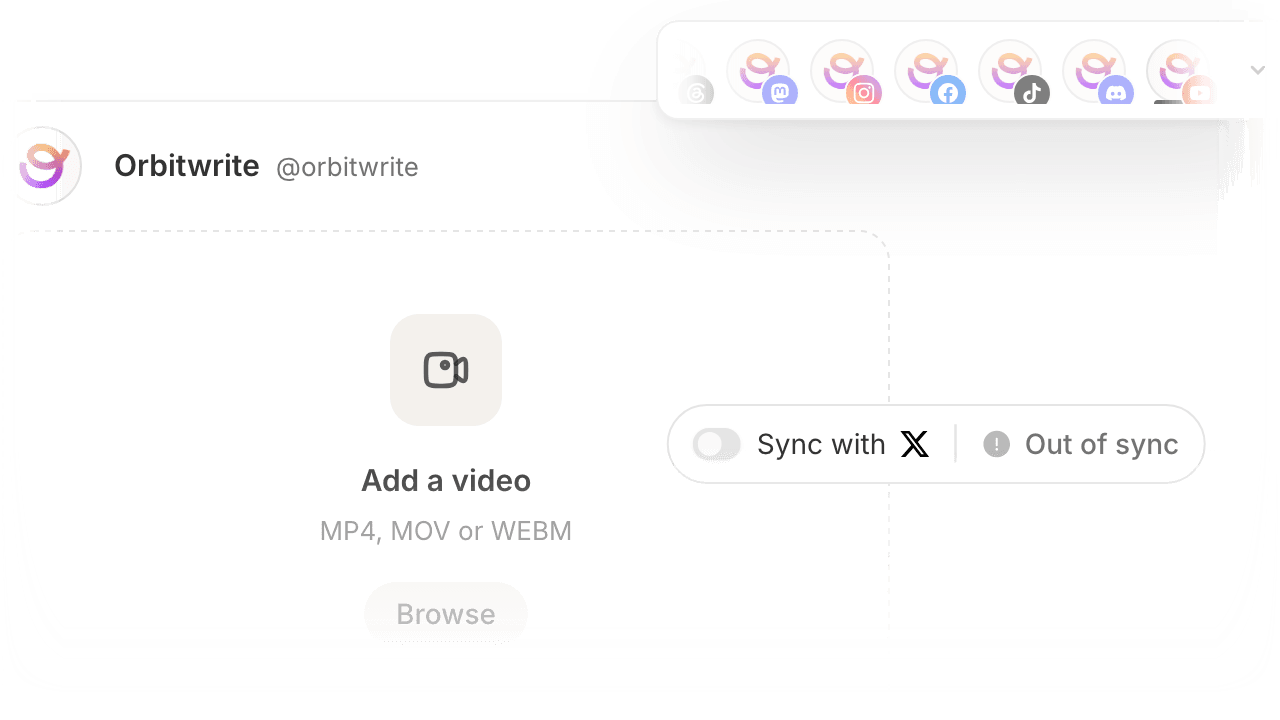
Post it everywhere else at the same time
Send the launch to YouTube, TikTok, Instagram, X and the rest in one go. Unsync YouTube and write the description the way that audience reads it.
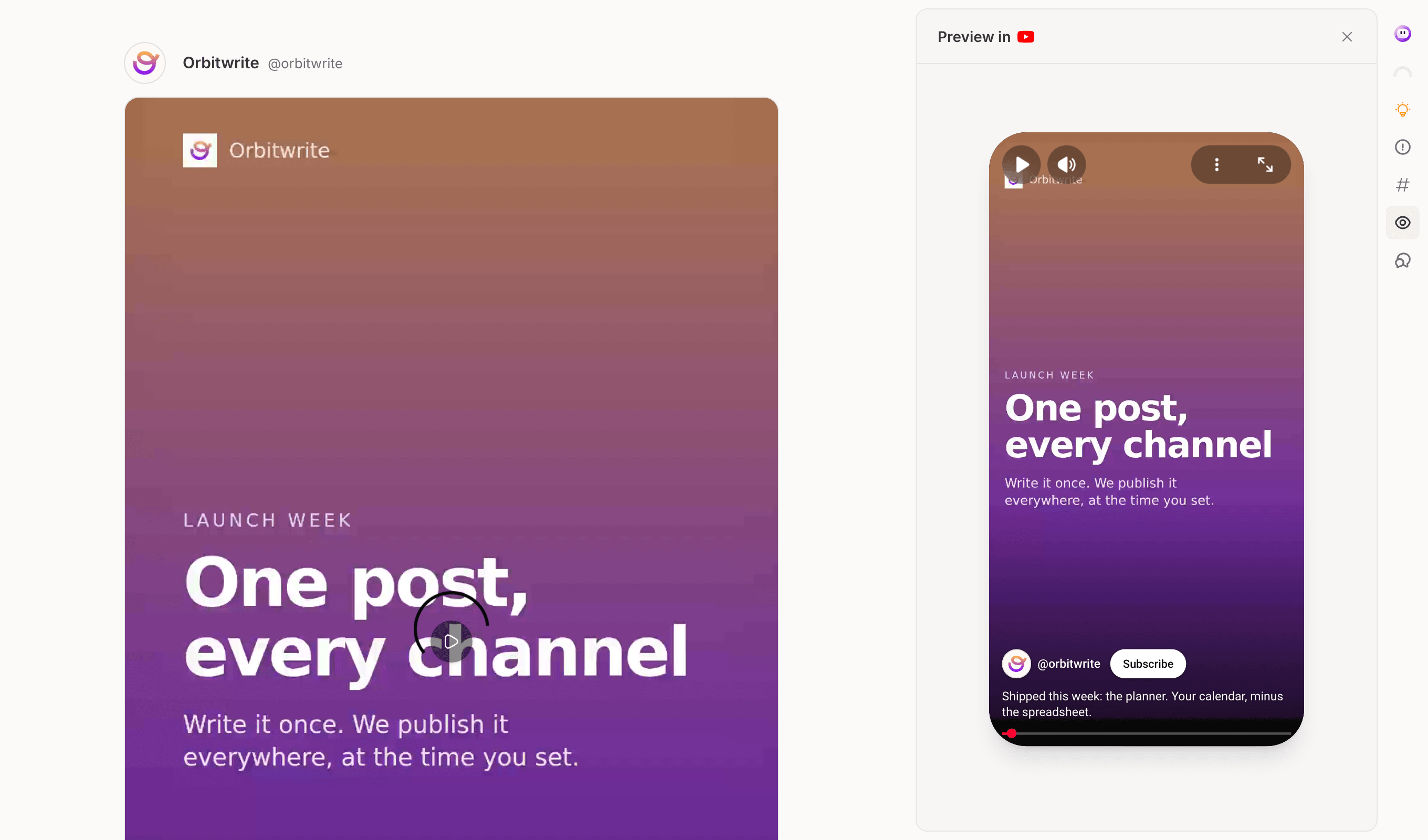
See it the way YouTube will
The preview sits beside the draft and updates as you type: the video in the frame YouTube gives it, with the title and description that will publish.
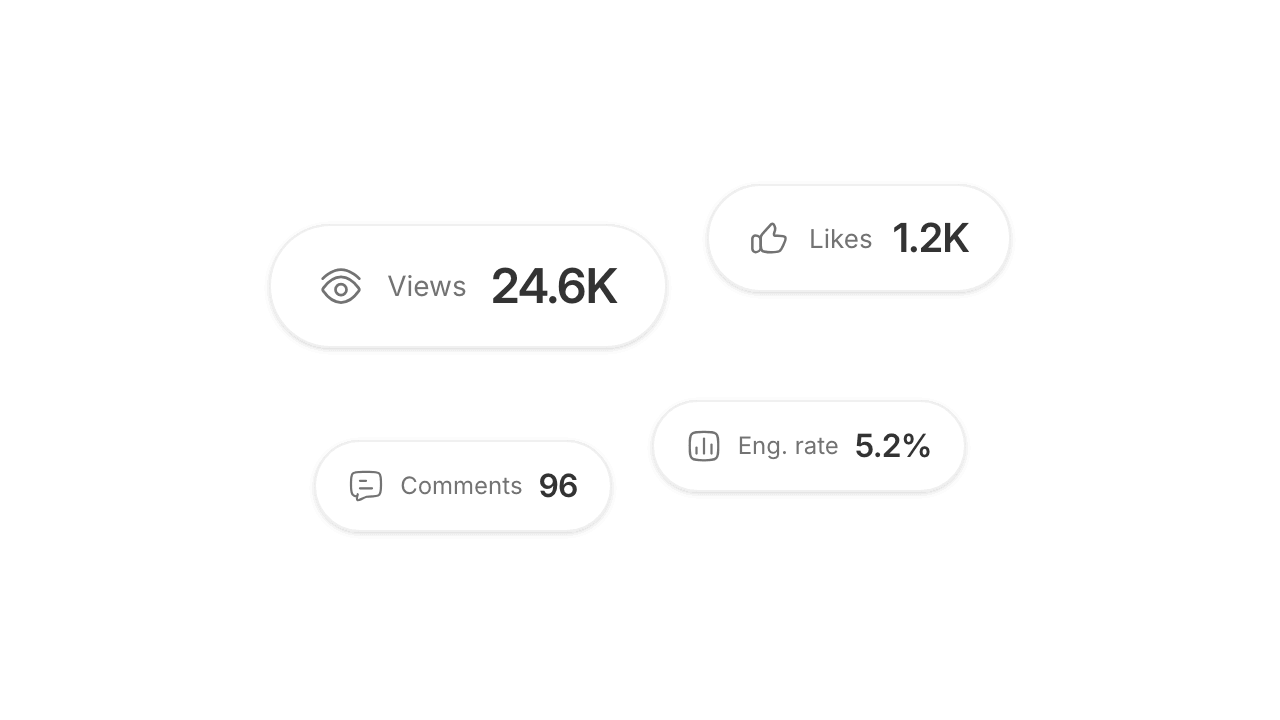
Views, likes and comments for every video
Each upload's counts are recorded day by day, with your subscriber count beside them. YouTube only lets apps keep numbers they re-check, so they're refreshed every three weeks for as long as they're kept.
The rest of the workspace
Everything else that comes with a YouTube account in an Orbitwrite workspace.
A video or a Short, and it says which
YouTube decides what's a Short from the file itself, so pick Short and the composer checks the attachment: square or taller, three minutes or less. If it will land as a regular video, you hear about it before it's queued.
Everything an upload asks for
A title of up to 100 characters, public, unlisted or private, a category and tags, and a custom thumbnail. The made-for-kids answer YouTube requires is set on the post too.
Fill your posting slots
Pick the times you want to post each week, then drop drafts into the queue and Orbitwrite fills the next open slot. It can also pick the slot your account tends to do best in.
Drafts in your brand voice
The AI assistant picks up your voice from posts you have already published, then drafts, rewrites and adjusts tone in it. You can edit anything it writes before it is scheduled.
Plan whole campaigns
Describe a campaign and get a full run of posts back, laid out across the calendar with its own performance breakdown once they start going live.
Approvals before anything goes live
Send a post for review and choose whether sign-off has to happen before it publishes. Make it blocking and nothing reaches YouTube until a reviewer says yes. Either way, every change stays on the post, with who made it.
Auto-engagement on your own posts
Commenting and liking through YouTube's API spend the same small daily quota your channel's reads do, so Orbitwrite doesn't offer auto-engagement here. It runs on the networks that allow it.
Slack and Discord notifications
Post to a Slack or Discord channel the moment something publishes, or when a draft is waiting on someone's review.
Also included
- Size, length and file type checked before the upload is queued
- Hashtags counted against YouTube's limit of 60
- Altered or synthetic content labelled the way YouTube asks
- Paid product placement declared on the upload
- Fire a webhook on publish
- Tag posts and read analytics grouped by tag
- A separate workspace per brand or client
- Subscriber growth tracked over time
- Publish from your own tools over the API, or through Zapier