Schedule Pinterest Pins to the right board
Pick the board, write the title and description, add the link it opens. Orbitwrite saves the Pin at the time you picked, alongside everything else you post.
Cancel anytime before the trial ends.
- Board and section per Pin
- Image, video and carousel Pins
- Impressions, saves and clicks
How Orbitwrite handles Pinterest
A Pin lives longer than a post anywhere else, so it's worth getting right. This is what changes when it's planned with the rest of your content.
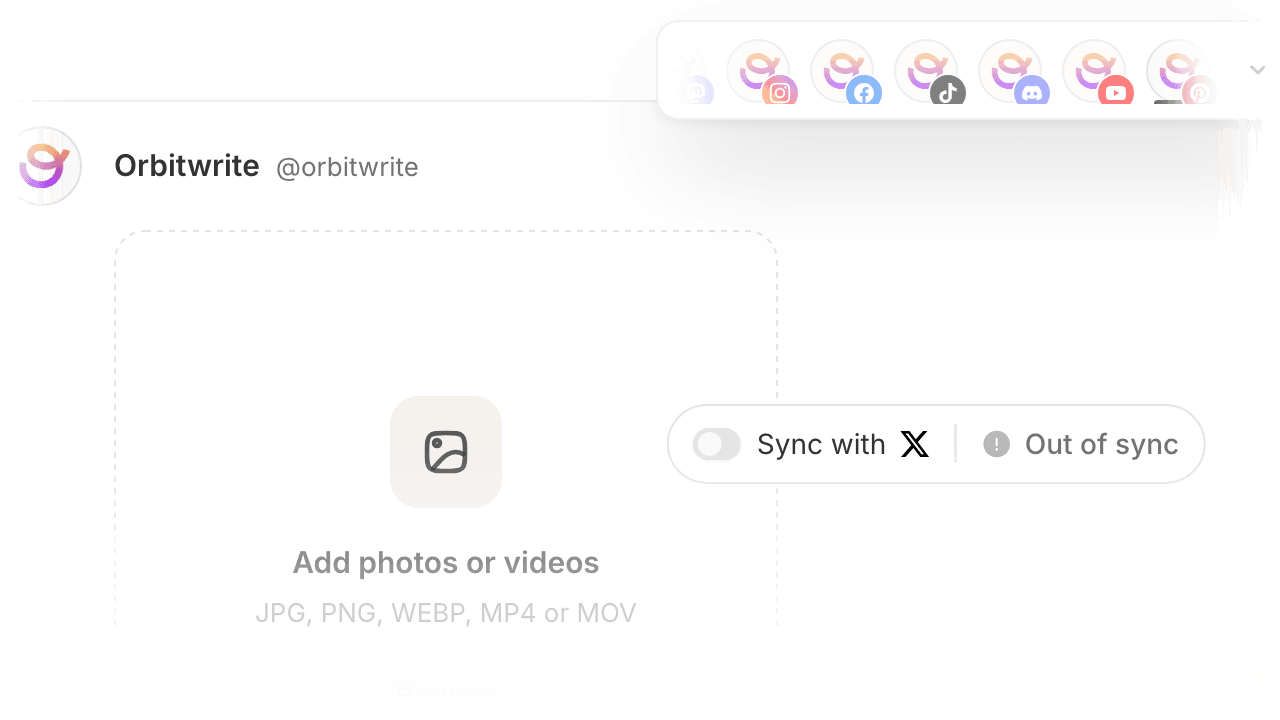
Post it everywhere else at the same time
The image going to Instagram and Facebook can be a Pin in the same pass. Unsync Pinterest and write the description the way people search for it.
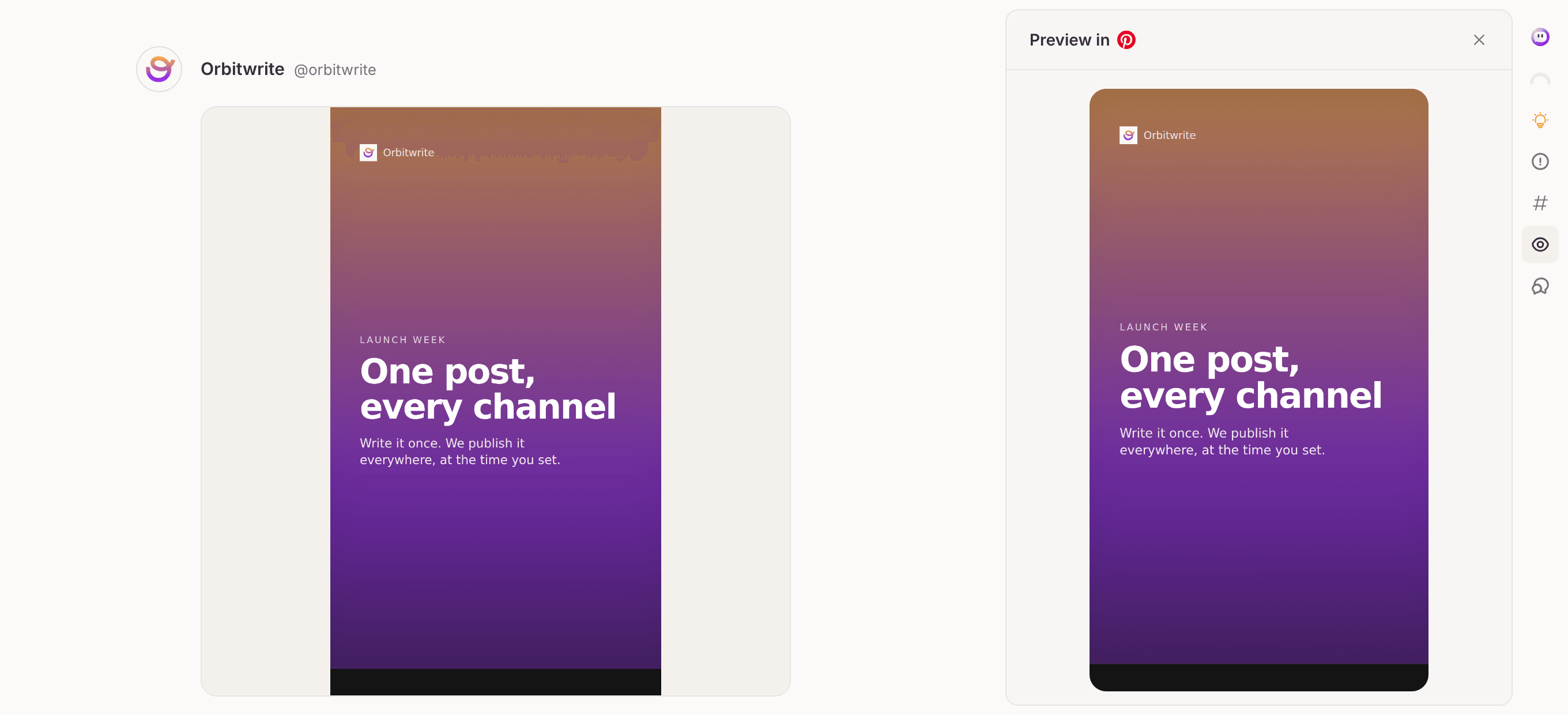
See the Pin before it's saved
The preview sits beside the draft and updates as you type, in the shape Pinterest's feed gives a Pin, so the image and the words are checked together.
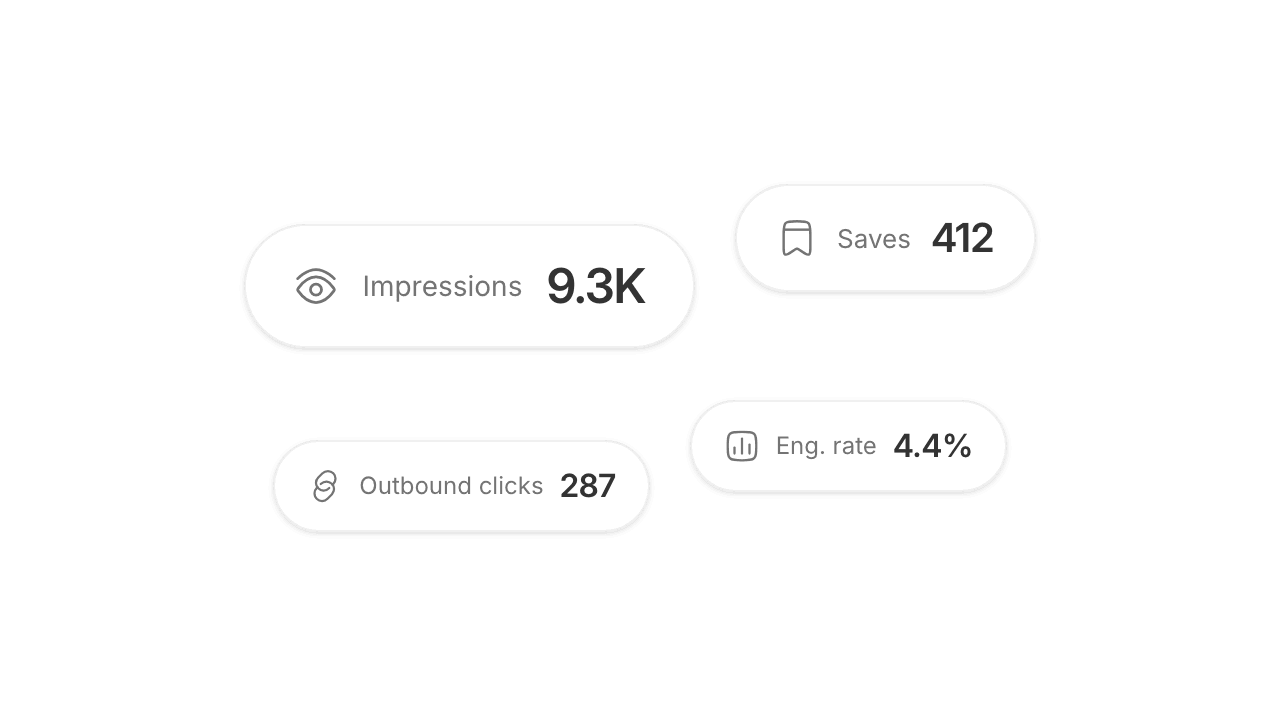
Impressions, saves and clicks for every Pin
Recorded per Pin, day by day, with plays on a video Pin and your follower count alongside, so last month's numbers are still there when you go looking.
The rest of the workspace
Everything else that comes with a Pinterest account in an Orbitwrite workspace.
Boards without leaving the composer
Every Pin needs a board. Pick one and a section of it for each Pin, or create a new board from the composer, and the post isn't queued until it has one.
A title and a link of its own
A Pin's title and the page it opens are fields of their own, so the 800-character description can be written for search rather than carrying a URL.
Fill your posting slots
Pick the times you want to post each week, then drop drafts into the queue and Orbitwrite fills the next open slot. It can also pick the slot your account tends to do best in.
Drafts in your brand voice
The AI assistant picks up your voice from posts you have already published, then drafts, rewrites and adjusts tone in it. You can edit anything it writes before it is scheduled.
Plan whole campaigns
Describe a campaign and get a full run of posts back, laid out across the calendar with its own performance breakdown once they start going live.
Approvals before anything goes live
Send a post for review and choose whether sign-off has to happen before it publishes. Make it blocking and nothing reaches Pinterest until a reviewer says yes. Either way, every change stays on the post, with who made it.
Auto-engagement on your own posts
Pinterest's API has no way to comment on, save or react to a Pin, so Orbitwrite doesn't offer it here. Auto-engagement runs on the networks that allow it.
Slack and Discord notifications
Post to a Slack or Discord channel the moment something publishes, or when a draft is waiting on someone's review.
Also included
- Carousels of two to five images
- Video Pins from 4 seconds to 5 minutes, with a cover you choose
- Size and file type checked before the Pin is queued
- AI-modified images and video labelled the way Pinterest asks
- Fire a webhook on publish
- Tag posts and read analytics grouped by tag
- A separate workspace per brand or client
- Follower growth tracked over time
- Publish from your own tools over the API, or through Zapier