Schedule Facebook Page posts with your team
Write it once, send it to your Page along with everywhere else you post, and answer the comments from the same inbox as the rest of your networks.
Cancel anytime before the trial ends.
- Link previews
- Comments in a shared inbox
- Auto-reply and auto-like
How Orbitwrite handles Facebook
A Page is rarely the only place a post goes. This is what changes when it's written alongside the rest.
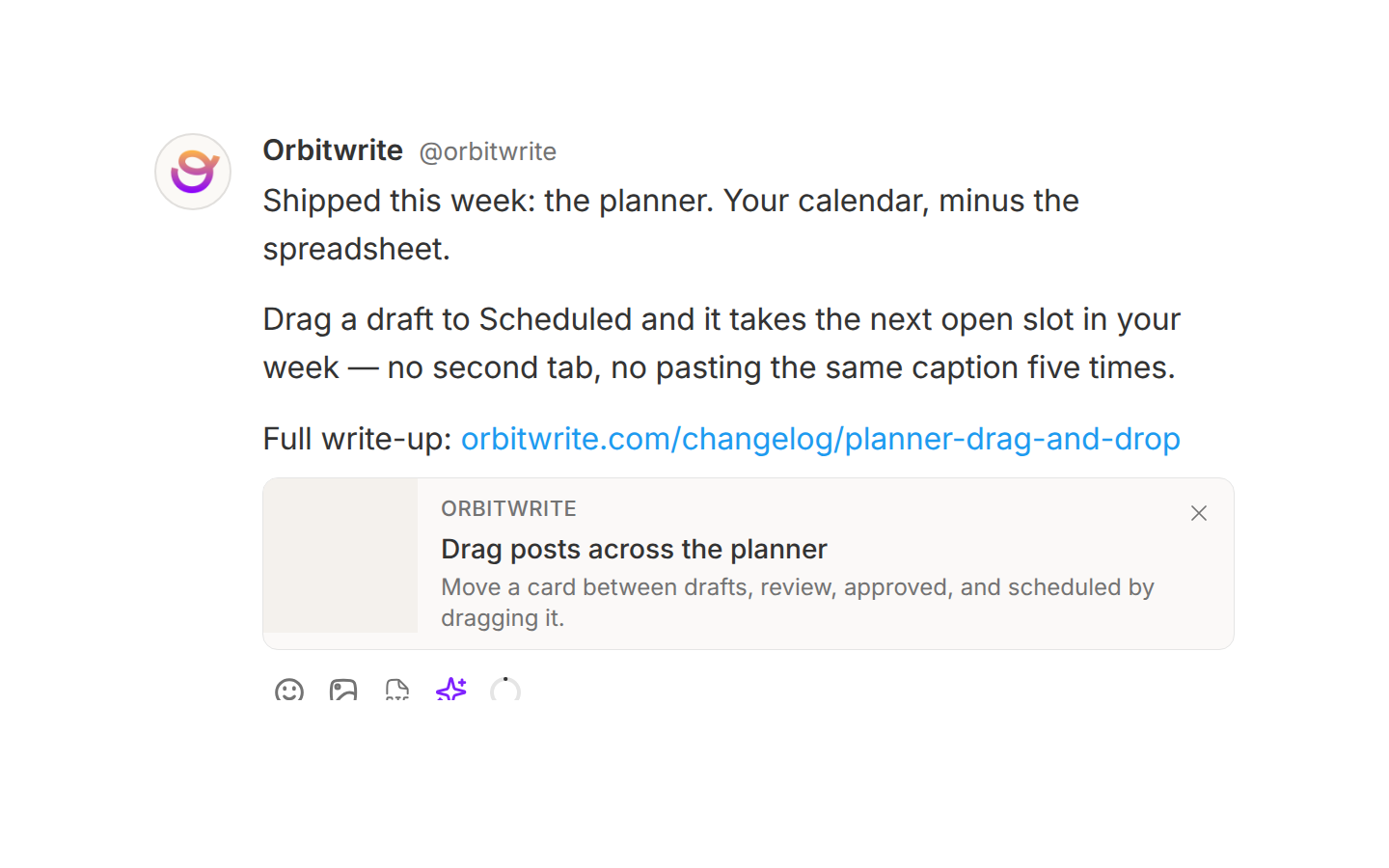
Room to write, and a link card with it
Facebook takes a long post, and Orbitwrite builds the link preview from the URL as you type — the same card readers will see, before you schedule it.
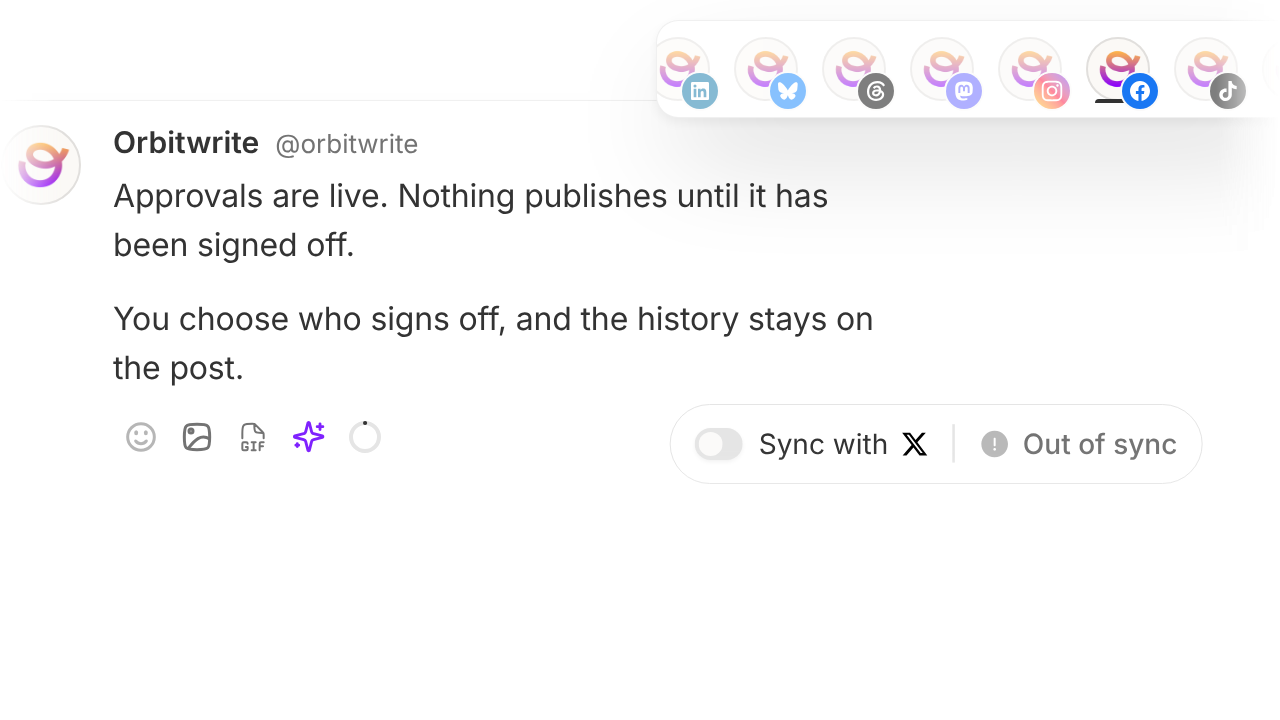
Post it everywhere else at the same time
Send the same idea to X, LinkedIn, Instagram, Threads and the rest in one go. Keep every copy in sync, or unsync the Page and write it the way that audience reads.
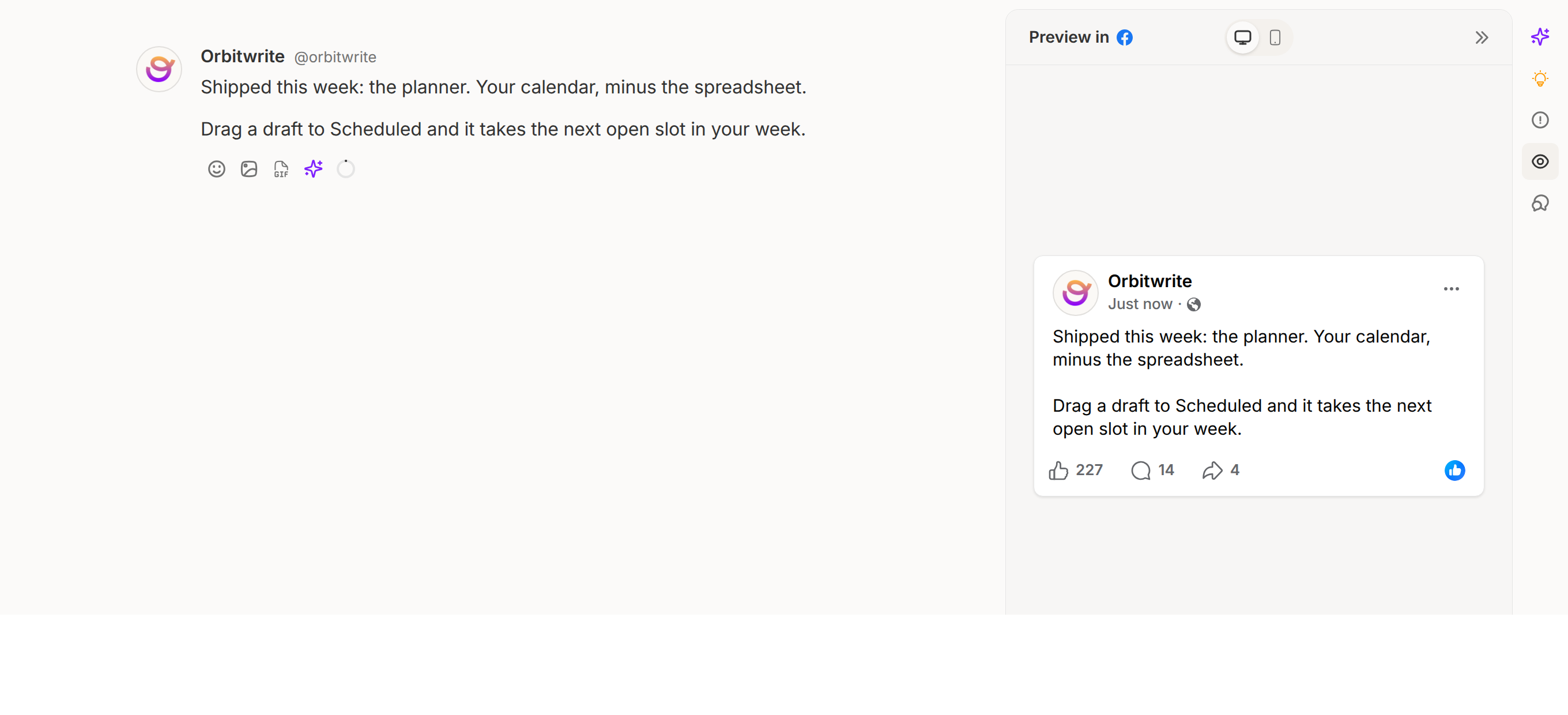
See the post before your Page does
The preview sits beside the draft and updates as you type, link card and all, so the post is checked before it is queued.
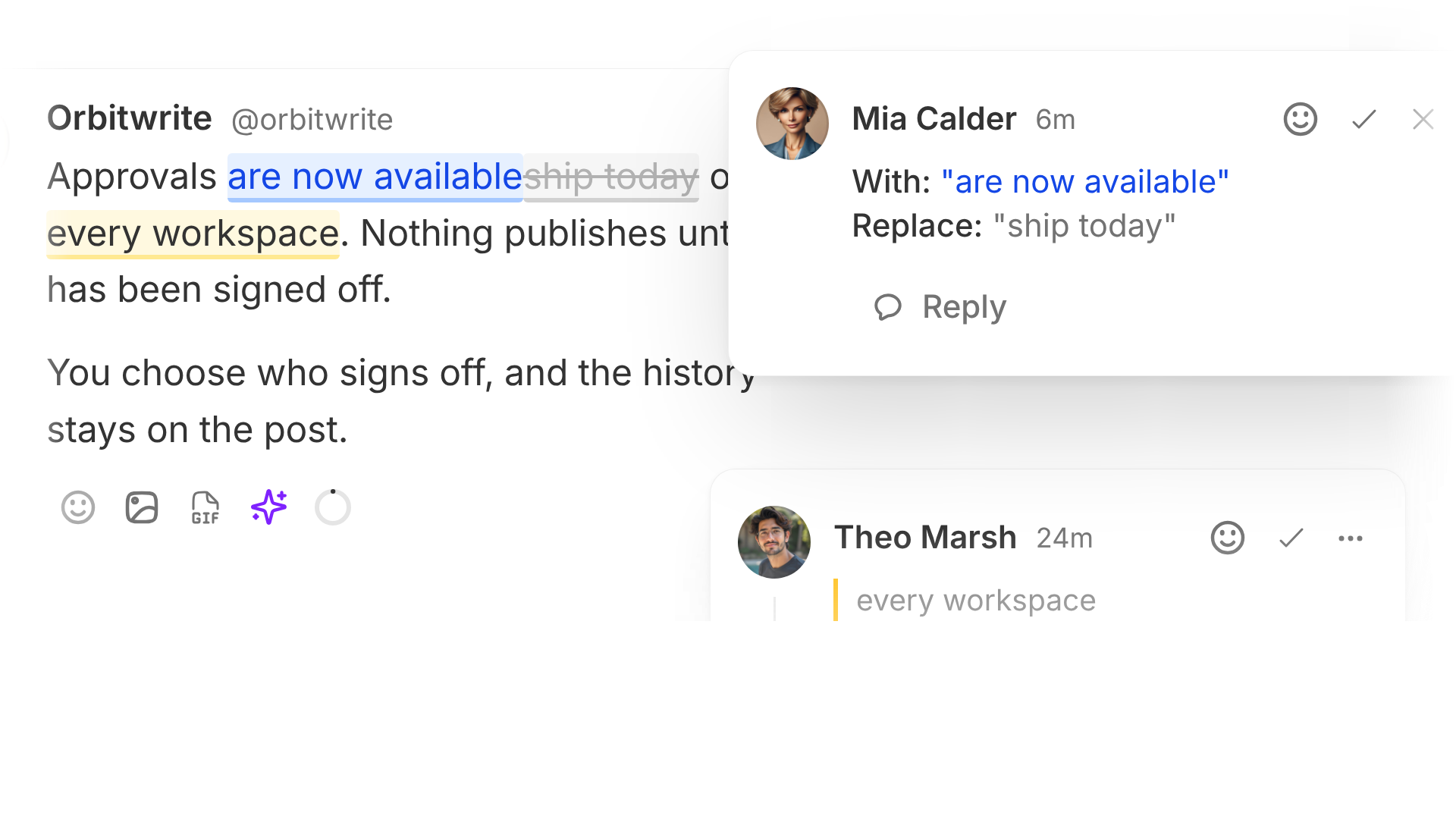
Comments and suggested edits
Highlight a line to leave a comment, or suggest a rewrite a teammate can accept in one click. Sign-off happens on the post, not in a separate thread somewhere.
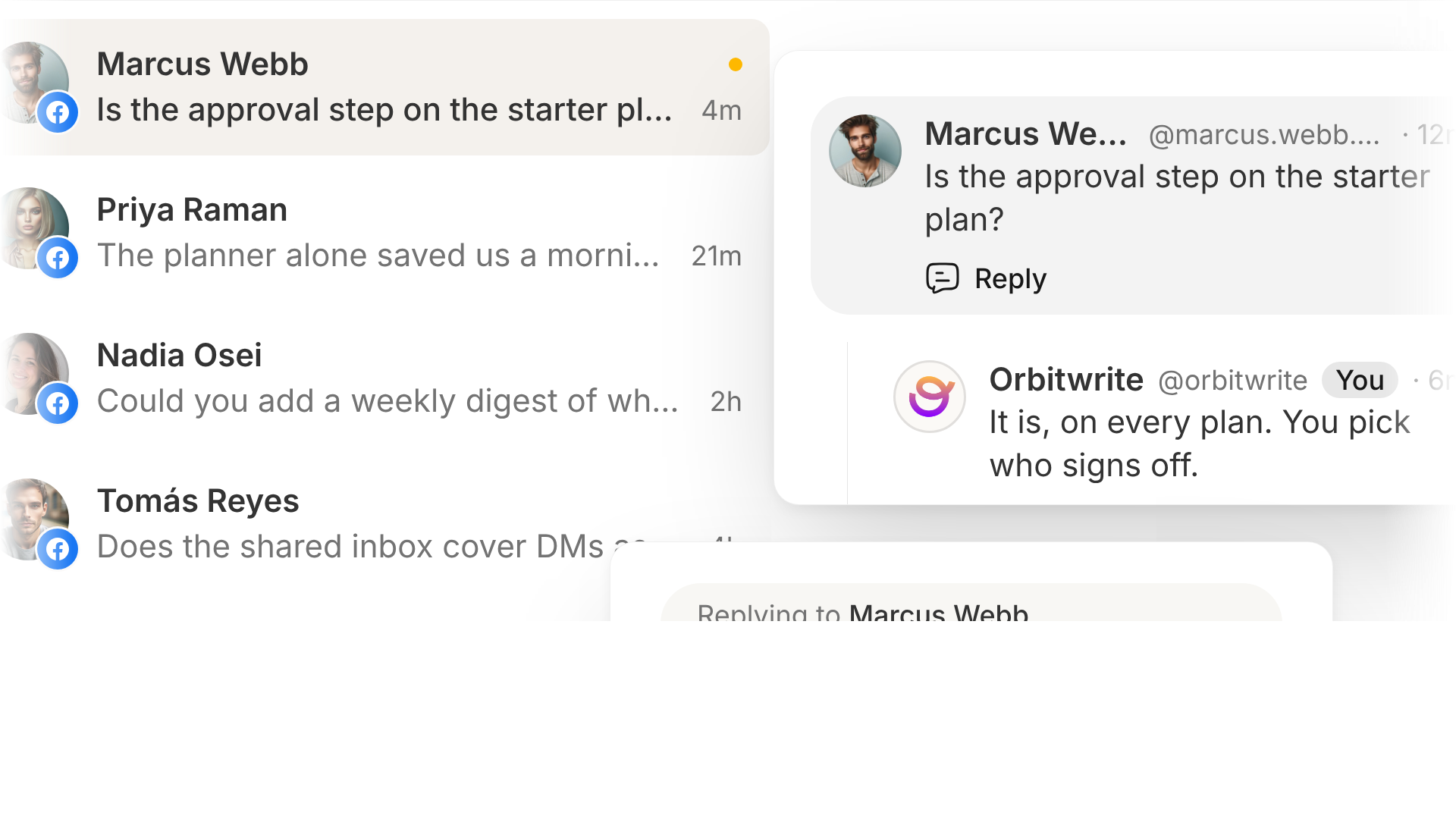
Comments in a shared inbox
Comments on your Page's posts sync into the workspace inbox, where anyone on the team can answer as the Page without logging into Facebook.
The rest of the workspace
Everything else that comes with a Facebook account in an Orbitwrite workspace.
Pages, not profiles
Facebook only lets an app publish to a Page, so that's what Orbitwrite connects. Pick the Page once and the workspace posts to it from then on.
Images and video
Up to ten images, or a video of up to twenty minutes. The composer checks the file against what Facebook accepts before the post is scheduled.
Fill your posting slots
Pick the times you want to post each week, then drop drafts into the queue and Orbitwrite fills the next open slot. It can also pick the slot your account tends to do best in.
Drafts in your brand voice
The AI assistant picks up your voice from posts you have already published, then drafts, rewrites and adjusts tone in it. You can edit anything it writes before it is scheduled.
Plan whole campaigns
Describe a campaign and get a full run of posts back, laid out across the calendar with its own performance breakdown once they start going live.
Approvals before anything goes live
Send a post for review and choose whether sign-off has to happen before it publishes. Make it blocking and nothing reaches Facebook until a reviewer says yes. Either way, every change stays on the post, with who made it.
Auto-engagement on your own posts
Queue a comment from your own Page and a like from a connected account, on a delay you set. Facebook has no reshare an app can fire, so that one isn't offered here.
Slack and Discord notifications
Post to a Slack or Discord channel the moment something publishes, or when a draft is waiting on someone's review.
Also included
- Fire a webhook on publish
- Tag posts and filter the planner by tag
- Add UTM or Matomo tracking to links automatically
- A separate workspace per brand or client
- Subscribe to your schedule as a calendar feed
- Publish from your own tools over the API, or through Zapier