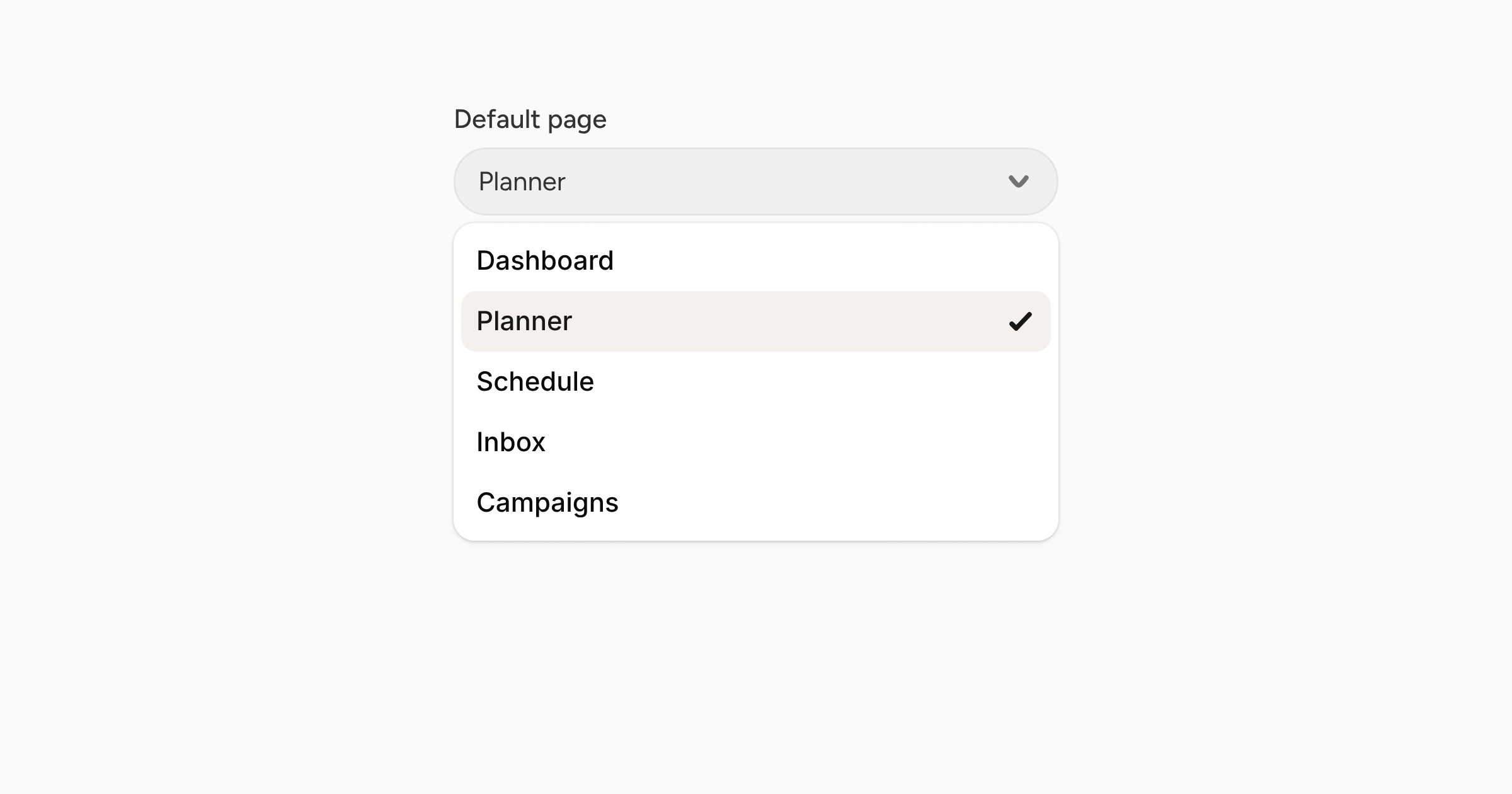
Pick the page you land on
Signing in can now take you straight to the planner, schedule, inbox, campaigns or activity feed instead of the dashboard.
Read moreNew updates and improvements to Orbitwrite.
Subscribe via RSSSigning in can now take you straight to the planner, schedule, inbox, campaigns or activity feed instead of the dashboard.
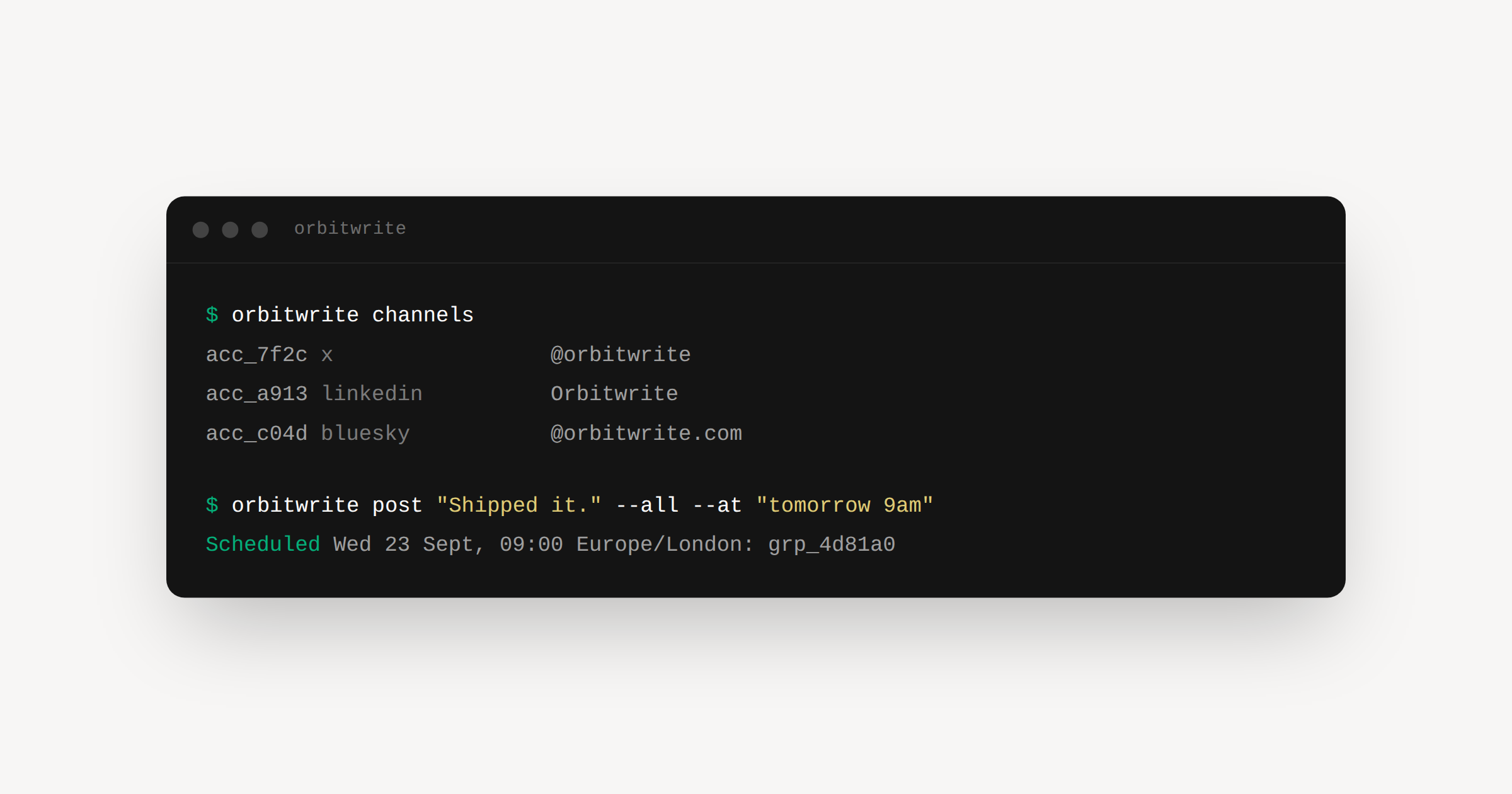
Read moreSelect any part of a draft, pick an edit, and compare the suggestion before it lands.
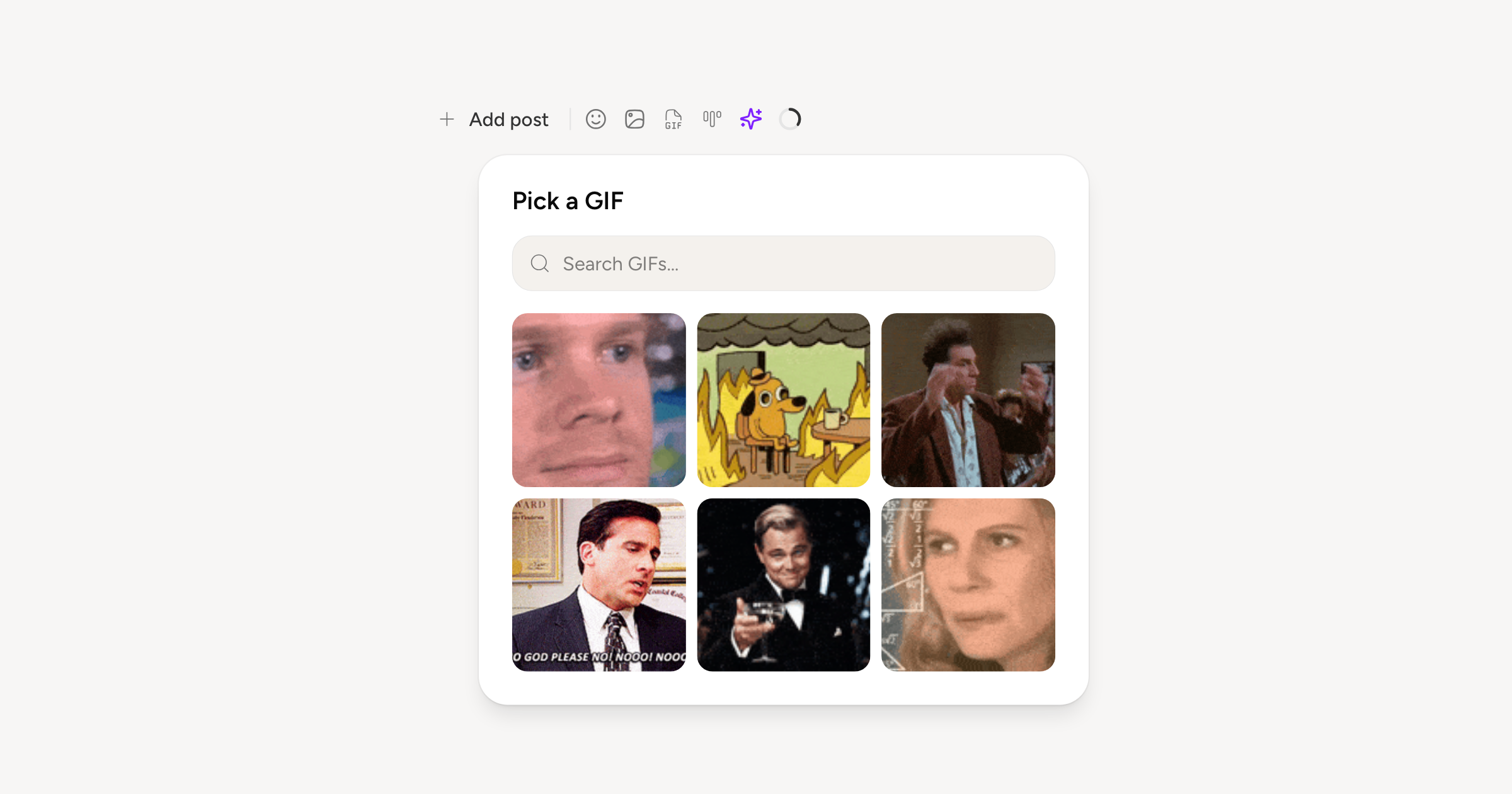
Read moreSearch GIPHY and drop a GIF into a post, an auto-engagement reply, or an inbox reply.
Read morePut a link in an X post and we'll offer to move it into a reply, with the reply already written.
Read moreThreads is now a channel you can connect and publish to, alongside X, LinkedIn, Bluesky and Mastodon.
Read moreReplies waiting on you now sit on the dashboard, next to what needs approving and what is going out.
Read moreSix looks for your orbw.link page, from a clean white card to something with a bit more going on.
Read moreClear a busy morning in a few clicks, and see replies within seconds of opening the Inbox.
Read moreRetry one account, or pull it out and schedule it on its own, without touching the rest.
Read morePublish twice to the same network in a day and we ask whether you would rather schedule the second one.
Read moreOrbitwrite Ltd is registered in England and Wales, company number 17370580.
Read moreMove a card between drafts, review, approved, and scheduled by dragging it.
Read moreA shelf of things to write about, and the one you picked stays in view while you write.
Read moreAuto-reply, auto-like, and auto-repost now work on X, with control over where a thread reply lands.
Read moreType @ to search LinkedIn, Bluesky, and Mastodon. Mentions publish as real links on each platform.
Read moreA public page for your workspace at orbw.link, built from the accounts you already connected.
Read moreTag the links in your posts automatically, so your analytics tool knows where the traffic came from.
Read moreEdit someone else's draft without changing it. They accept or reject each edit with one click.
Read moreTake a live post down from every platform it went out on, from the schedule.
Read moreSee your posting slots in the grid and click an empty one to fill it.
Read moreSend approvals, publishes, and failures to the channels your team already watches.
Read moreSelect cards on the planner and add them to a campaign, duplicate, ungroup, or delete them together.
Read moreGive each channel its defaults, so new posts arrive already configured.
Read moreMark one channel as the one you write for, and switch off the ones a post shouldn't start with.
Read moreAdd the bot to your server, pick a channel, and post to your community from the same composer as everything else.
Read moreConnect a workspace, pick a channel, and Slack shows up in the composer next to X and Bluesky.
Read moreLeave feedback on a draft where the draft is, instead of in a thread somewhere else.
Read moreAvatars in the composer show who is looking at the post right now.
Read moreWrite, review, and reschedule from a phone instead of waiting until you are back at a desk.
Read moreThe schedule dialog now shows when each platform tends to get engagement, so you can pick a slot rather than guess one.
Read moreCopy anything you have written into a fresh draft: from a card, from the composer, or from something you already published.
Read morePress ⌘K to jump anywhere, start a post, or run a composer action without reaching for the mouse.
Read moreA dead connection now interrupts you once, rather than turning up as a failed post later.
Read moreSubscribe to your posting schedule from Google Calendar, Apple Calendar, or Outlook.
Read moreBring your own identity provider, and see who changed what.
Read moreSee how a published post did without leaving Orbitwrite.
Read moreSet your brand, audience, and rules once, and every AI draft follows them.
Read moreThe panel the schedule got, now on the board, with each column narrowed to what you asked for.
Read moreThe same stages stacked down the page instead of side by side, for when a board is wider than your screen.
Read moreNarrow the month to a status, or to the posts with something attached.
Read moreA month of posts read top to bottom, with the empty slots still in it.
Read moreChoose the workspace you open in, rather than wherever you happened to be last.
Read moreKeep work and personal apart, each with their own accounts and their own posts.
Read moreOne editor for every network, with the things each one can do.
Read moreSign in without a password, add a second factor, and see everywhere you are logged in.
Read moreSign in, connect X and Bluesky, and send one post to both at once, or later.
Read more