Schedule Telegram channel posts with your team
Add our bot to your channel once, then write, approve and schedule its posts in the same place as everything else you publish.
Cancel anytime before the trial ends.
- Channels and groups
- Photos, video and GIFs
- Link previews
How Orbitwrite handles Telegram
A Telegram channel is usually run from someone's phone. Here its posts are planned and signed off with the rest of the launch.
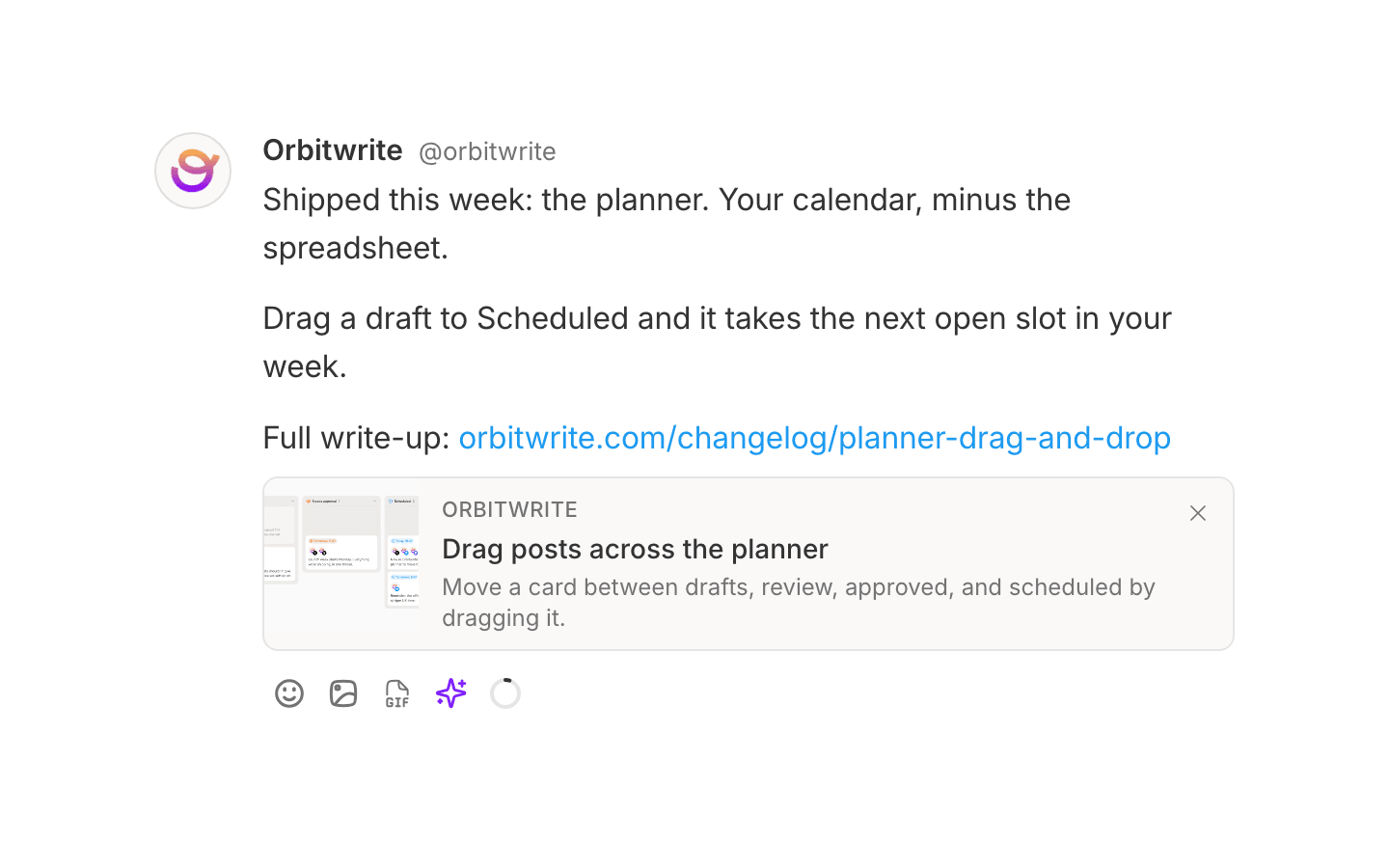
Write it here, post it there
A Telegram post holds 4,096 characters, or 1,024 once a photo or video is attached, and the counter switches the moment you add one. A link gets its preview card.
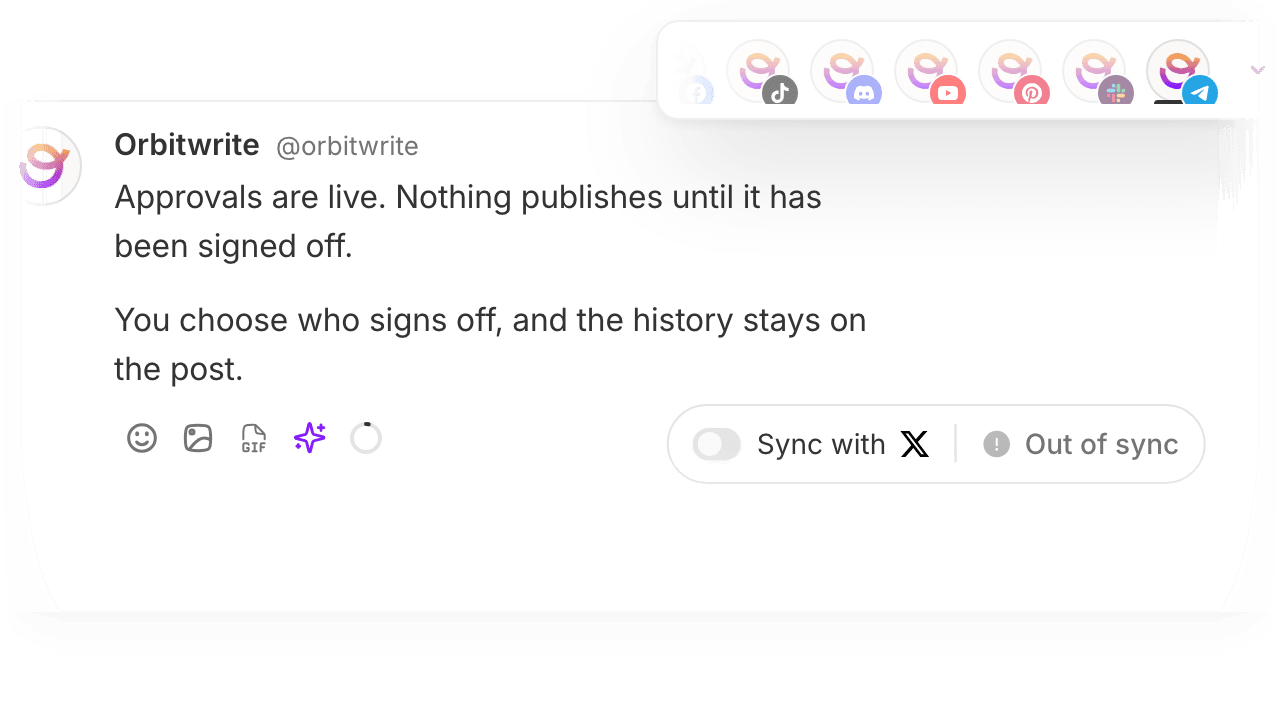
The same announcement, everywhere at once
Your channel hears it as the post lands on X, LinkedIn and the rest: one draft, one schedule, no copy and paste into Telegram afterwards.
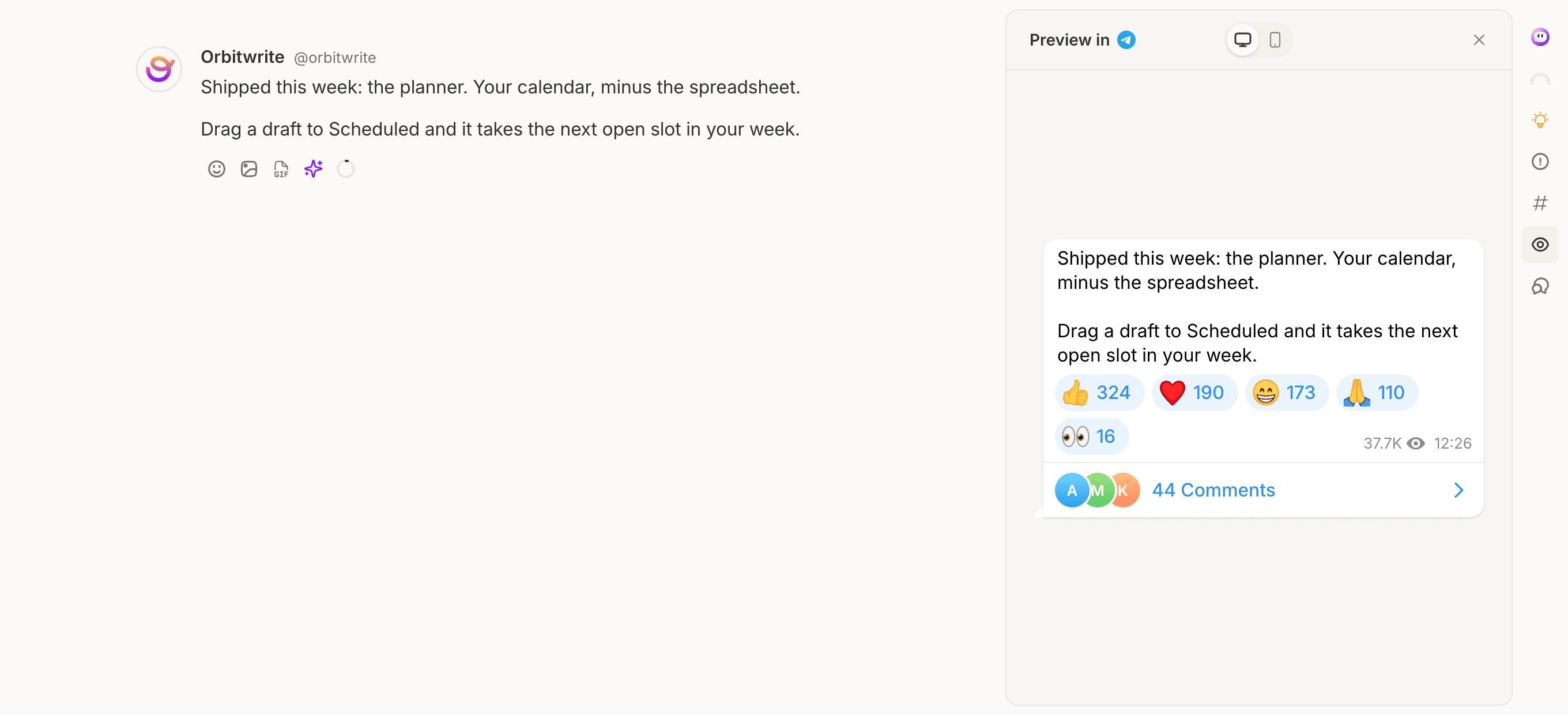
See it as the channel will
The preview sits beside the draft and updates as you type, in the shape a Telegram channel post takes, link card and all.
The rest of the workspace
Everything else that comes with a Telegram account in an Orbitwrite workspace.
Connected without sharing a login
Telegram has no sign-in for apps. Make our bot an admin of your channel, name the channel, and paste a short code into its description to show it's yours, so nobody else can connect it.
Channels and groups
Post to a channel, or to a group the bot has been added to. Each one is its own channel in the workspace, so a post can go to several of them at once.
Fill your posting slots
Pick the times you want to post each week, then drop drafts into the queue and Orbitwrite fills the next open slot. It can also pick the slot your account tends to do best in.
Drafts in your brand voice
The AI assistant picks up your voice from posts you have already published, then drafts, rewrites and adjusts tone in it. You can edit anything it writes before it is scheduled.
Plan whole campaigns
Describe a campaign and get a full run of posts back, laid out across the calendar with its own performance breakdown once they start going live.
Approvals before anything goes live
Send a post for review and choose whether sign-off has to happen before it publishes. Make it blocking and nothing reaches Telegram until a reviewer says yes. Either way, every change stays on the post, with who made it.
Auto-engagement on your own posts
A Telegram channel isn't engaged with the way a social post is, so auto-engagement isn't offered here. It runs on the networks where it does something.
Slack and Discord notifications
Post to a Slack or Discord channel the moment something publishes, or when a draft is waiting on someone's review.
Also included
- Up to ten photos or videos on a post, or a GIF on its own
- Sent as plain text, so nothing turns into formatting you didn't write
- Fire a webhook on publish
- Tag posts and filter the planner by tag
- Add UTM or Matomo tracking to links automatically
- A separate workspace per brand or client
- Subscribe to your schedule as a calendar feed
- Publish from your own tools over the API, or through Zapier