Most tools treat Slack as somewhere to send yourself alerts. It is also a place your audience reads, whether that audience is your own team, a customer channel, or a community you run.
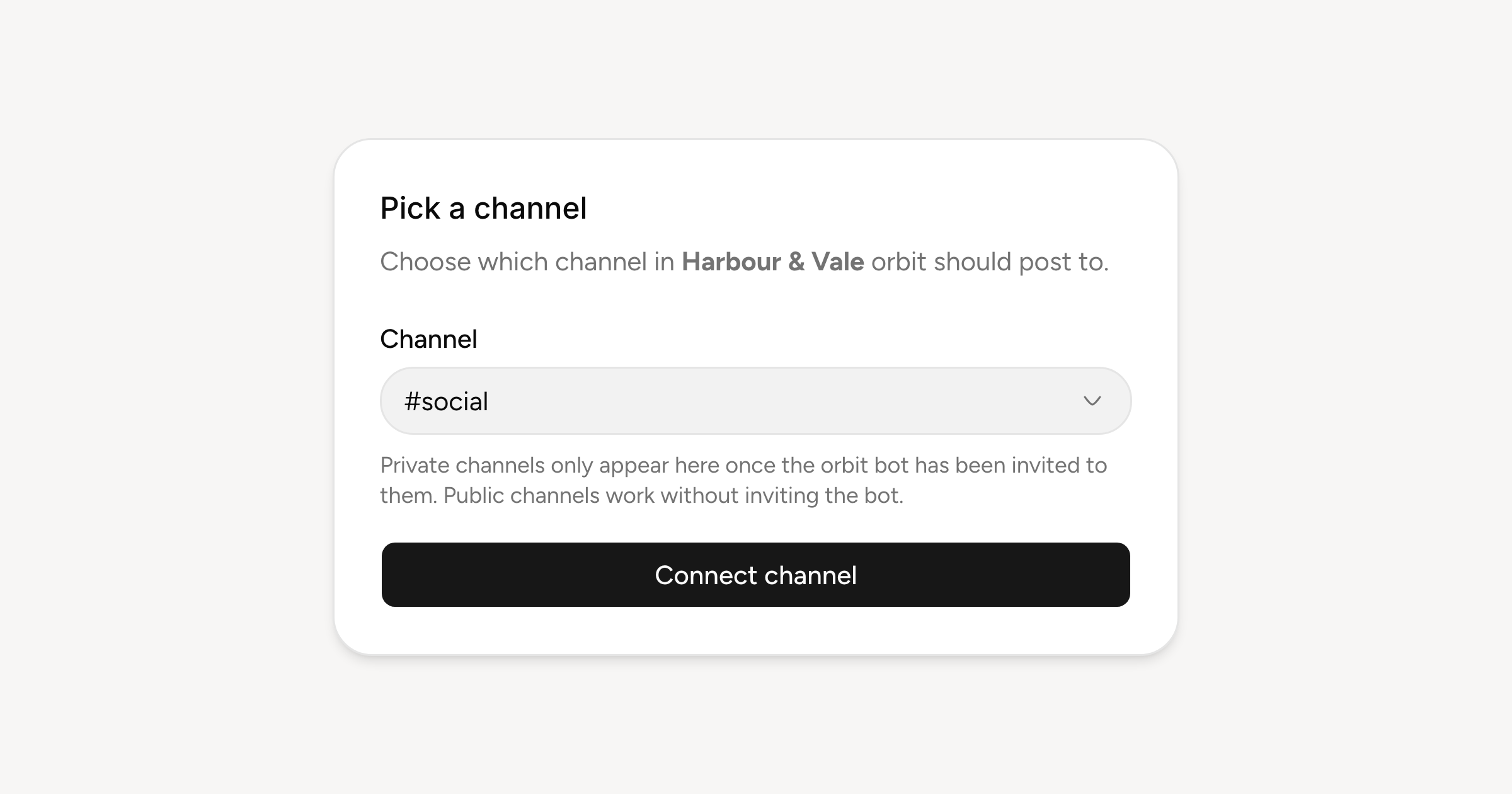
Connect Slack from Settings, Channels. You authorise the workspace, pick the channel Orbitwrite should post to, and from then on it sits in the composer alongside your social accounts. Write once and the announcement can land in #general at the same time it goes out publicly.
What a Slack post can hold
Slack messages are generous: 40,000 characters, up to ten images or videos, GIFs, and links that unfurl the way Slack unfurls them. There are no threads, polls or quotes here. A Slack message is a Slack message, and the composer only offers what the platform actually has.
Public channels work as soon as you connect. Private ones need the Orbitwrite bot invited to the channel first, which is a Slack rule rather than ours; the channel picker says as much while you choose.
Also notifications
The same connection is what approvals, publishes and failures can be routed through. That is a separate thing you turn on per event, and it gets its own post shortly.