Same idea as Slack last week, for the servers where communities actually live.
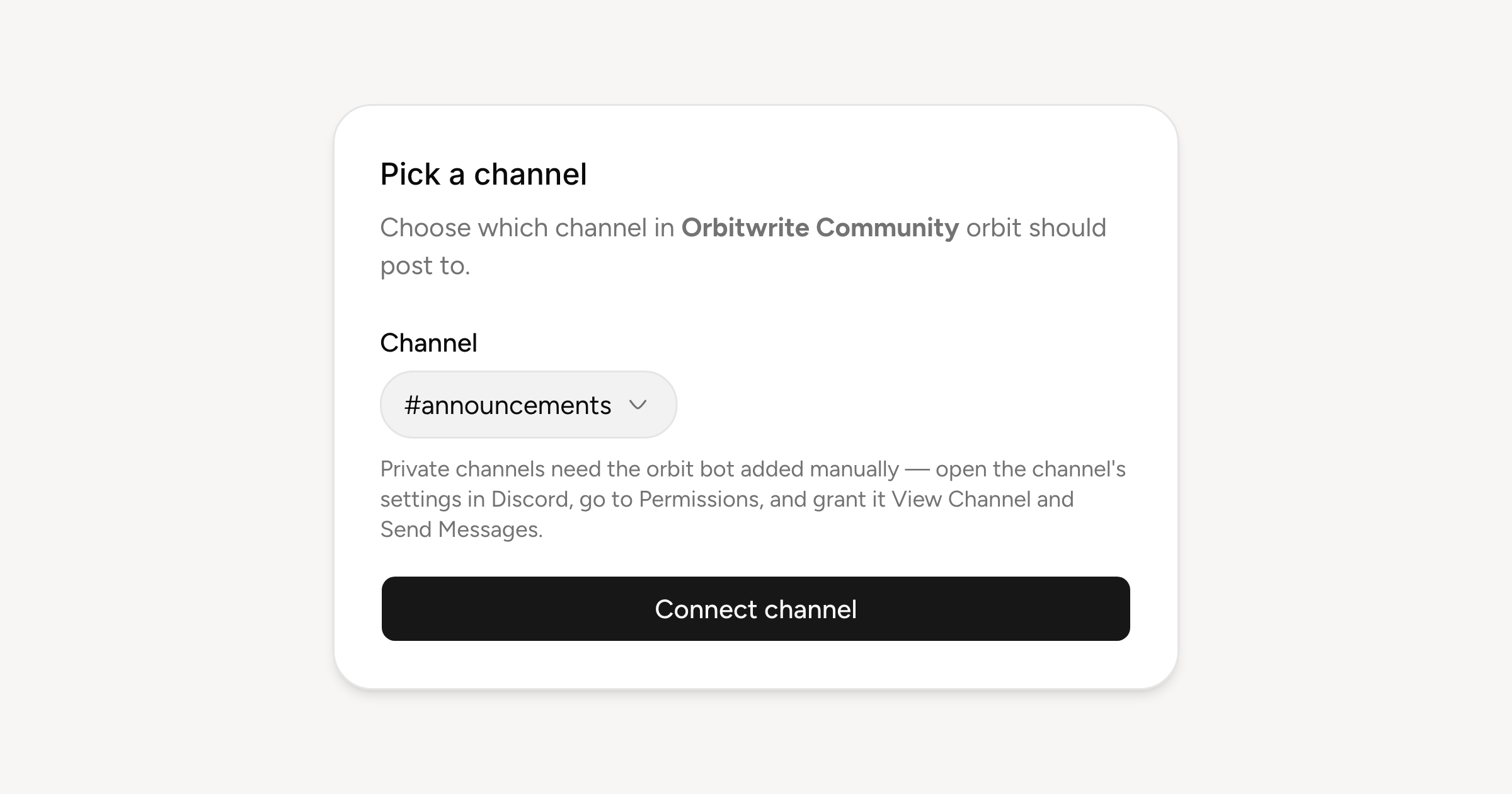
Connect from Settings, Channels: you add the Orbitwrite bot to your server, choose which channel it should post to, and Discord joins the account row in the composer. A release note can go to your server and your followers in one publish rather than two.
What a Discord post can hold
Discord caps a bot message at 2,000 characters, so the composer counts down from there rather than from a limit it can't honour. Up to ten image, video or GIF attachments at 25 MB each, which is the floor for a server without boosts. Links unfurl as Discord unfurls them. No threads, polls or quotes.
If the channel is private, the bot needs adding by hand: open the channel's settings in Discord, go to Permissions, and grant it View Channel and Send Messages. The channel picker tells you that while you pick.
Also notifications
As with Slack, the same connection can carry approvals, publishes and failures into a channel your team already watches. That is configured separately, per event, and has a post of its own coming.