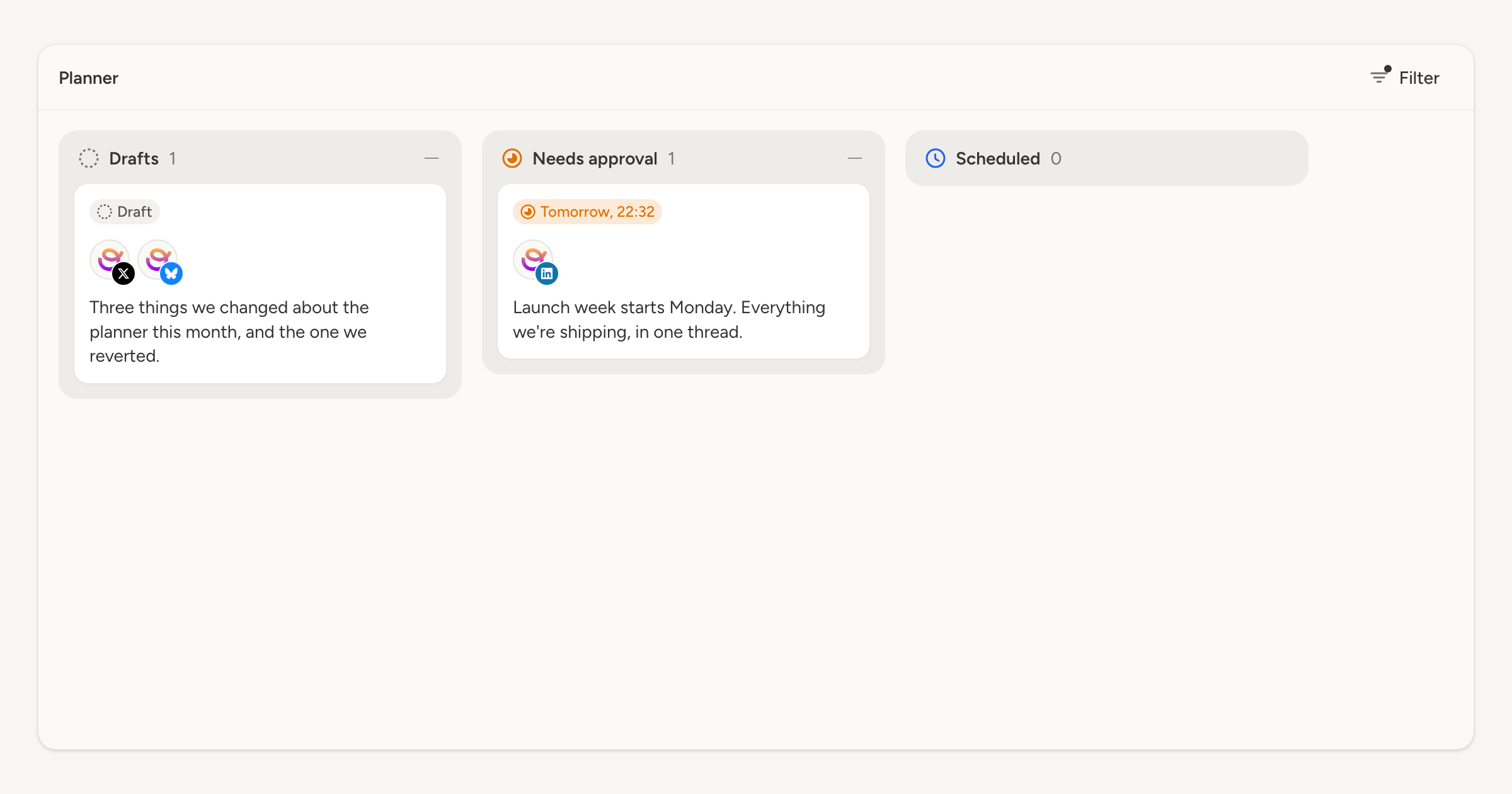
The filter panel that landed on the schedule earlier this month is now on the planner too. It is the same panel and the same filters. They read out of the URL either way, so a filtered board is a link you can send.
What it does to a board
Filtering a board is a different thing from filtering a calendar. The columns don't go anywhere. Drafts, Needs approval, Needs revision, Approved, Scheduled and Posted all stay put, but each one narrows to the posts that match, and the count beside its heading counts what you can actually see.
Filter to Draft and the board becomes what nobody has sent for review yet. Filter to Has media and it becomes the posts with something to look at. The shape of the board stays familiar either way, which is the point: you are reading the same six columns, with fewer cards in them.
It stacks with the account filter
The account filter above the board is separate, and the two combine. "This client's account, drafts only" is two controls rather than a saved view you have to set up first.
The Filter button carries a dot while anything is on, so a filtered board with three cards on it never gets mistaken for a workspace with three posts in it. Clear all takes the filter off in one go.