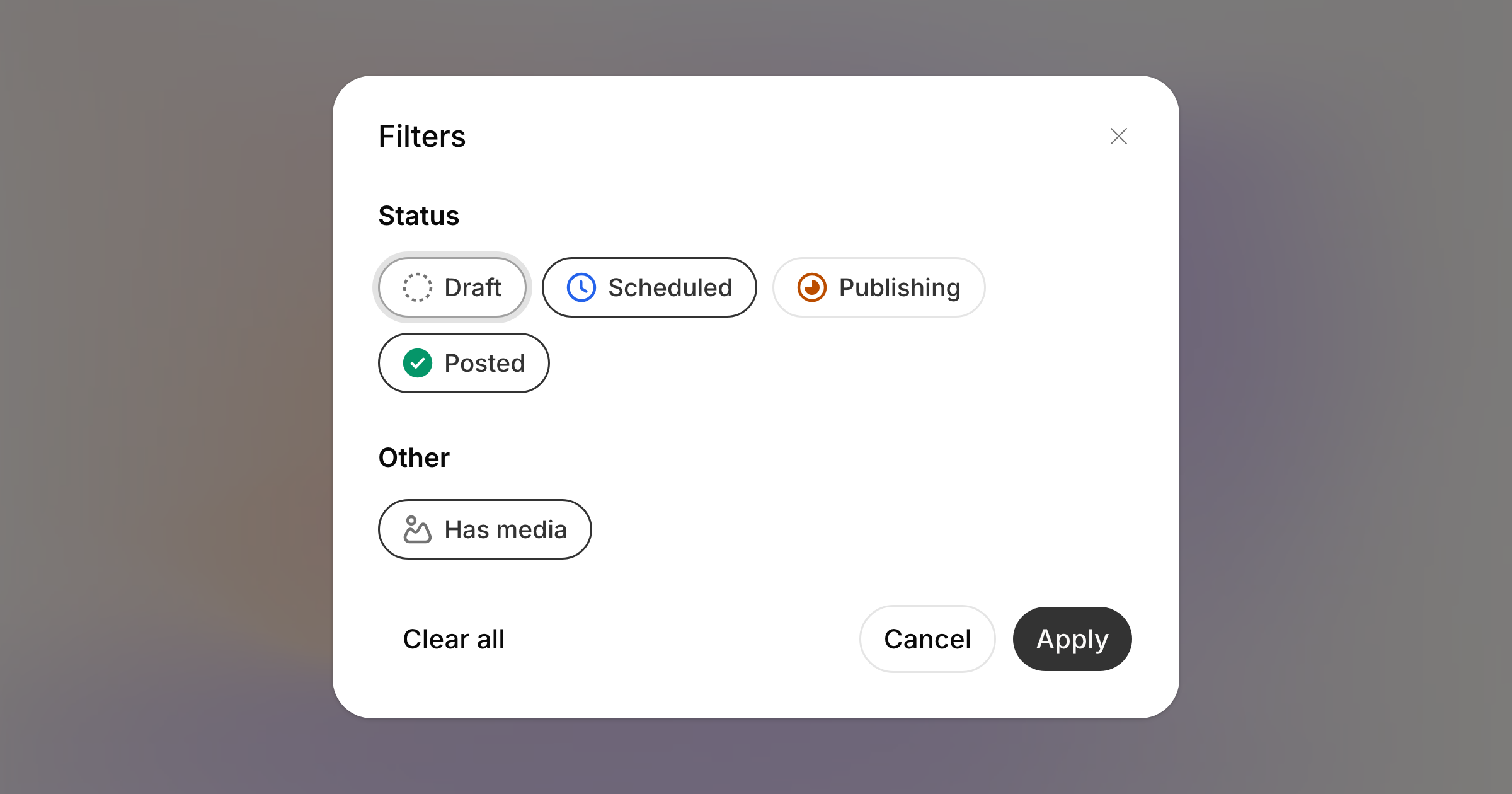
A busy month is hard to read. Filter now sits in the schedule's toolbar and opens a panel that cuts the view down to what you are actually looking for.
What you can filter by
Status. Draft, Scheduled, Publishing and Posted, as chips you toggle. Only the statuses the schedule can show are offered, so nothing here promises a filter that would always come back empty.
Has media. Everything carrying an image, video or GIF, which is usually the quickest way to find the post you are half-remembering.
Apply commits it, Cancel throws the edit away, and Clear all resets immediately without a second click.
The panel grows with the workspace: a section only appears when there is something in it to pick, so anything we give posts to belong to later will show up here without you going looking for it.
It lives in the URL
Filters are part of the address, so a filtered schedule is a link. Send someone ?statuses=scheduled&hasMedia=1 and they see what you see, and Back steps out of a filter rather than off the page.
While a filter is on, the Filter button carries a dot, and an empty schedule says so: "No posts matching your filters", rather than pretending the workspace is empty.