Signing up used to drop you into an empty workspace. Now there is a short path through the decisions that matter.
You start by saying whether the workspace is just for you or for a team. A team workspace then asks for a name and who to invite; a personal one skips both. After that everyone answers the same things: what you are trying to achieve, which accounts to connect, how often you want to post, when those posts should go out, and the tone you write in.
Posting times, per account
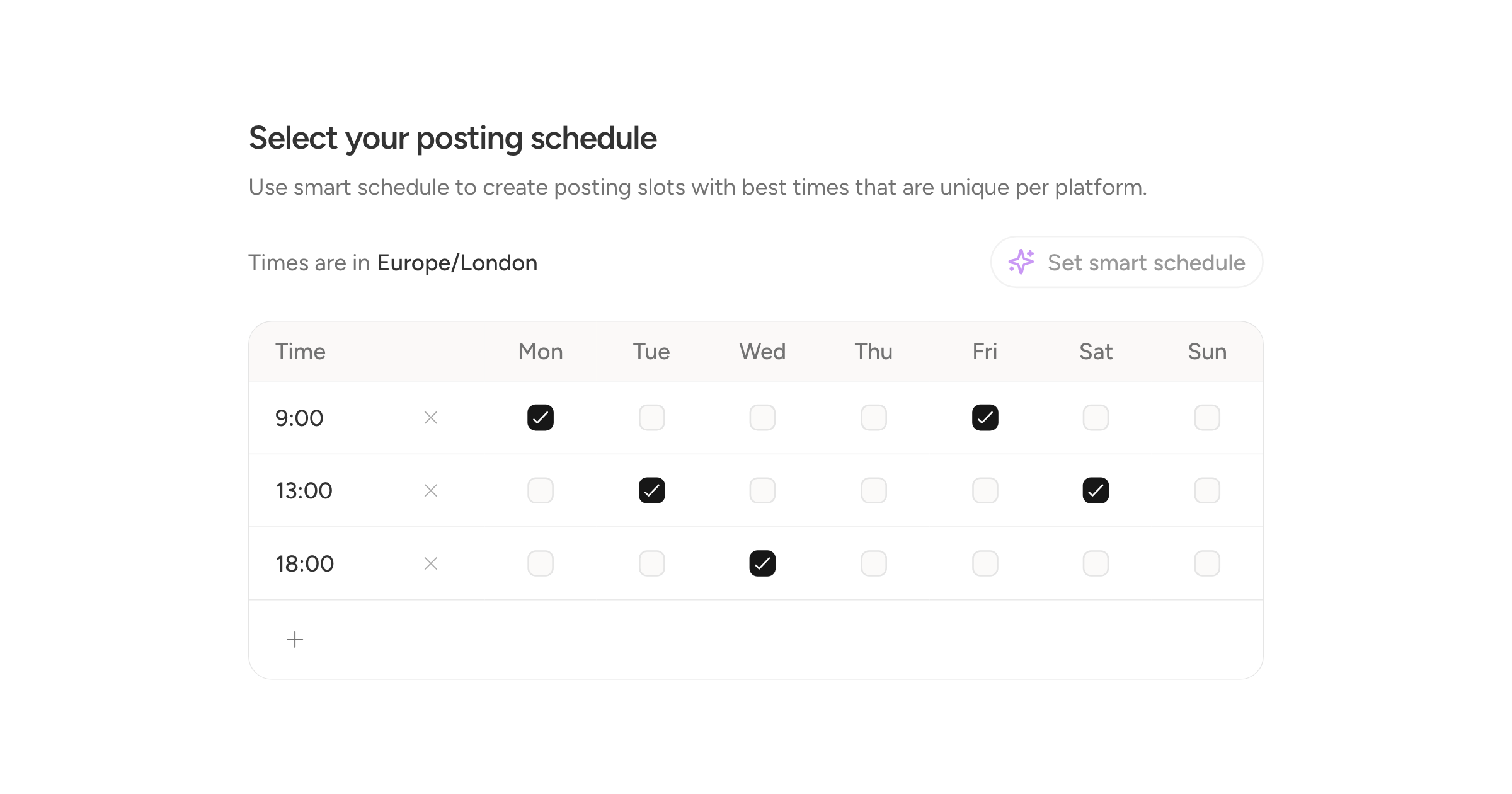
The schedule step gives each connected account its own tab and its own grid. Set your own times, or press Set smart schedule and it fills in recommended slots for the frequency you chose.
Not landing on an empty page
New workspaces start with a sample draft on each account you connected, so the planner has something in it and you can see how a post looks before writing one.
Finishing takes you to the planner rather than the schedule, which is where there is actually something to look at.