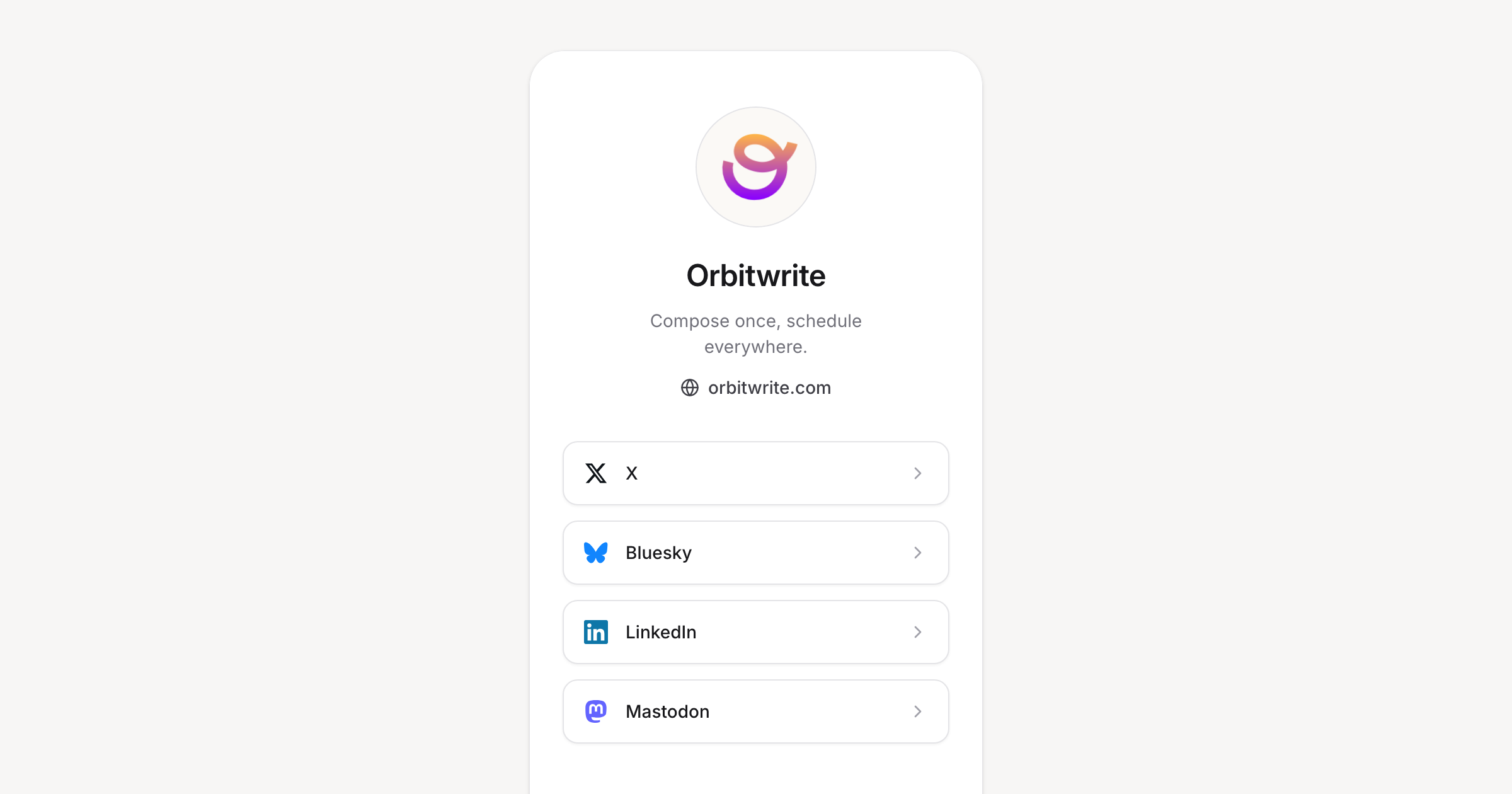
Every platform gives you one link. Now you have somewhere to point it.
Turn on the link in bio page under Settings and your workspace gets a public page at orbw.link/your-workspace. Your connected accounts are already there, so most of the setup is deciding what to leave out.
What you can change
- A logo, display name, bio of up to 280 characters, and a website
- Which connected channels appear, with a toggle each
- Any number of custom links with your own titles
- The order of everything, by dragging
A phone-sized preview sits next to the form so you can see the page as you edit it. Custom links save as you go. Profile fields save when you hit the button.
Good to know
Channel links resolve to real profile URLs for X, Bluesky, Mastodon, Instagram, Threads, and LinkedIn. Discord and Slack are left out on purpose, since those channels are private. Add a custom link if you want to invite people in.
Editing needs workspace update permission. Everyone else sees the page read only.