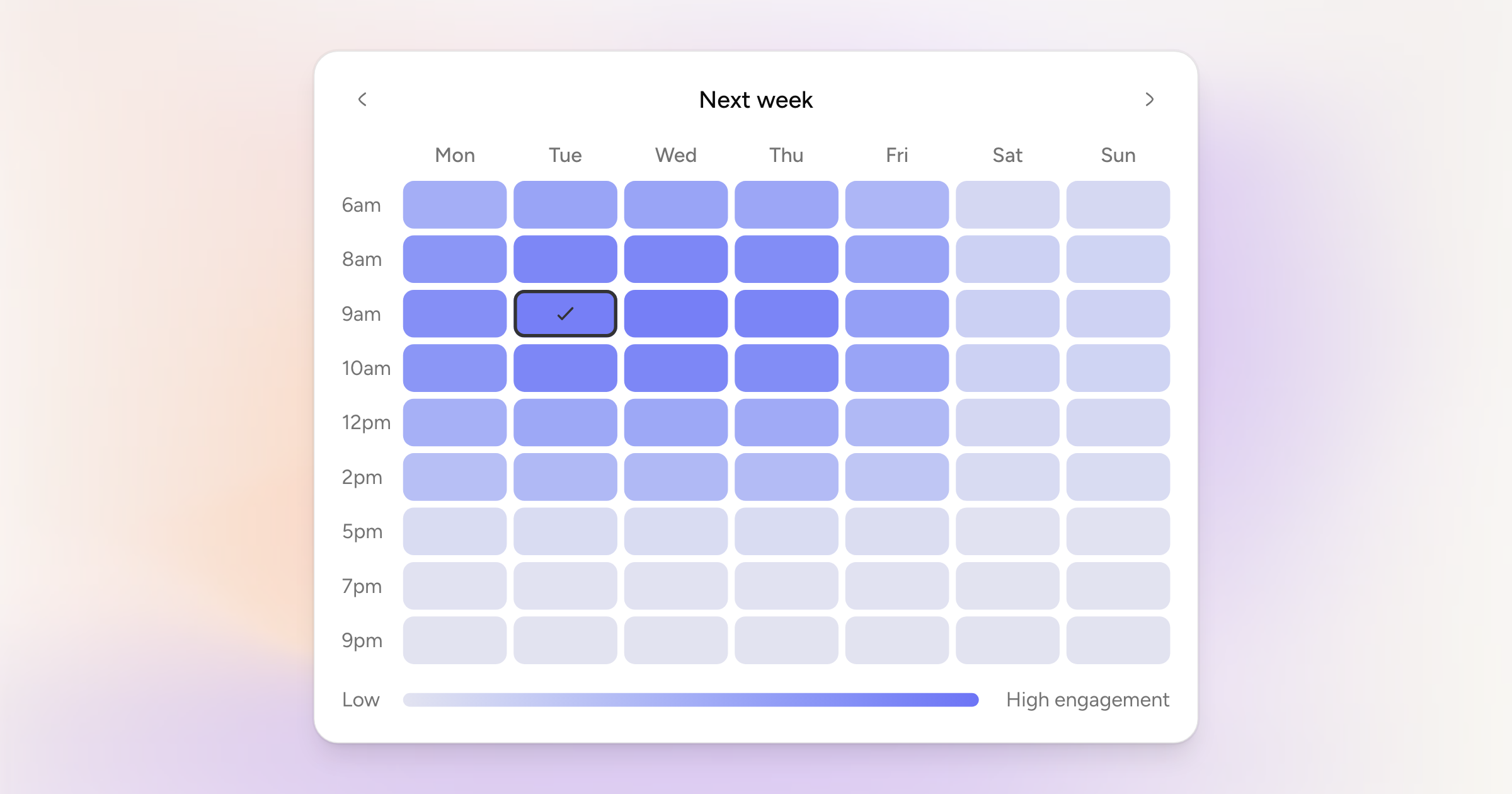
The Schedule dialog has three tabs: next slot, best time, and custom. Best time is new.
Each connected account gets a grid of the week, seven days across and nine times down, shaded by how much engagement that platform usually sees. Pick a cell and that account is scheduled for it. Every account keeps its own choice, so a LinkedIn post can go out at 9am on Tuesday while the Bluesky one waits for the evening.
Move between this week and next with the arrows. Times that have already passed are greyed out.
Worth being straight about: this is based on general engagement patterns for each platform, not on your own numbers. Using your account's real performance is what we want to get to.
Also for LinkedIn writers
LinkedIn collapses long posts in the feed behind a "…more" link. The composer now draws a line where that cut will happen, so you can see whether your hook survives it. It fades out while you are typing and does not change your text.