A post that fits Mastodon's 500 characters is 200 characters too long for Bluesky. Paste it into both and Bluesky refuses it, or you trim it in a hurry and the link you wanted people to click goes with the trim.
Length is the first difference you hit. The ones that make a cross-post look pasted are smaller: a second hashtag on Threads, an image with no description on Mastodon, a mention that tags somebody else entirely. Each of them has a fix in the composer, and most get flagged before you schedule.
What each network accepts
The composer checks these limits as you type.
| Bluesky | Mastodon | Threads | |
|---|---|---|---|
| Text | 300 characters, counted as graphemes | 500 characters | 500 characters |
| Images | Up to 4 | Up to 4 | Up to 10 |
| Video | Up to 10 minutes, and it is the whole post | Yes | Up to 5 minutes |
| Polls | No | 2 to 4 options | No |
| Quote posts | Yes | No | Yes |
Bluesky counts graphemes, so an emoji or a character from a non-Latin script counts as one. We check Mastodon posts against 500, the mastodon.social default, and a self-hosted instance can set its own limit.
Polls and quotes decide what a cross-post can hold at all. A poll has nowhere to go on Bluesky or Threads, and a quote post has nowhere to go on Mastodon. The composer only offers what a channel can publish, so check which channels you've picked before you build a post around a poll.
Write once, then give one channel its own words
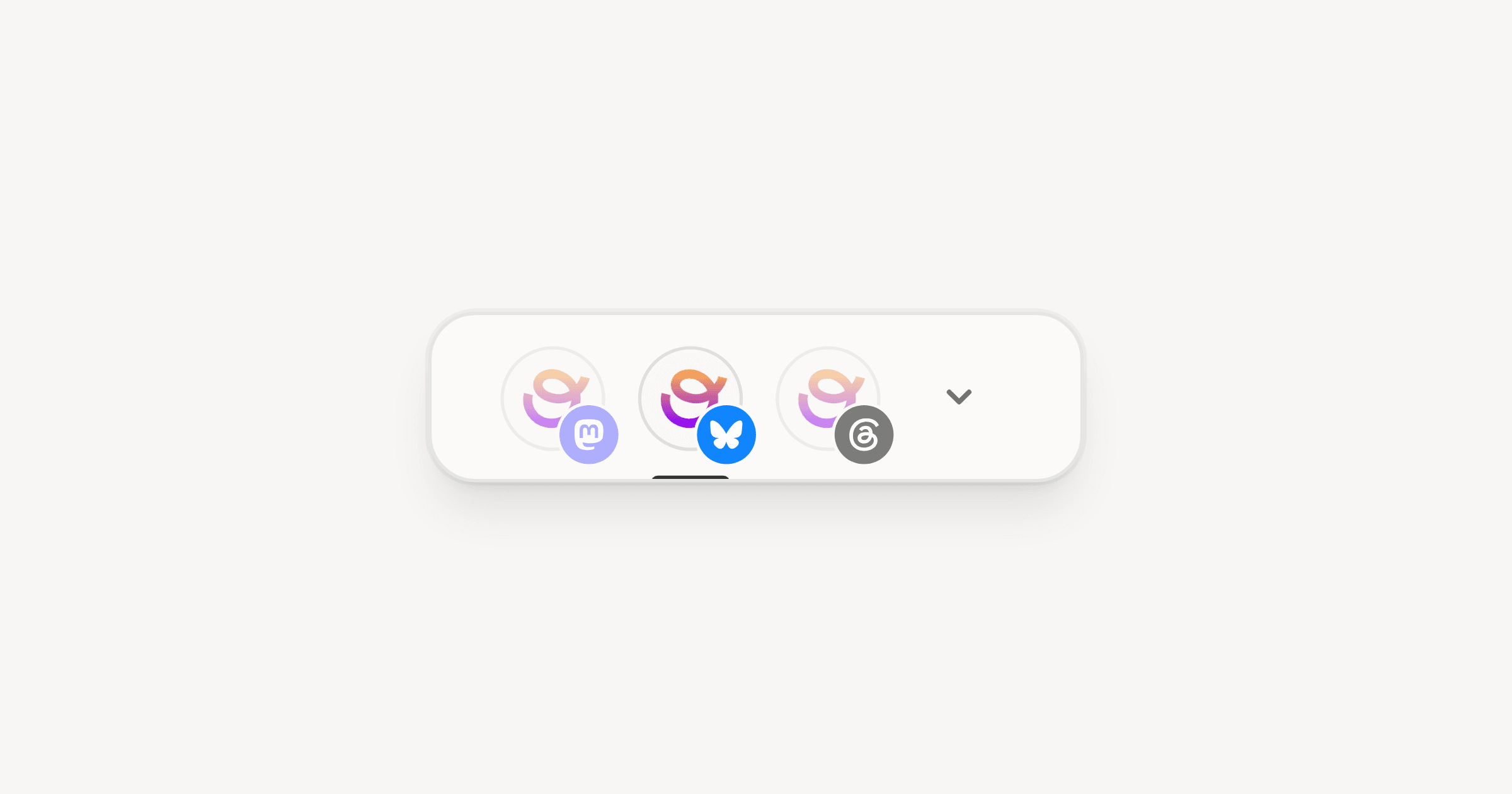
Pick all three channels in the account row at the top of the composer and write in the primary. The other channels stay synced to it, so every edit lands on all three.
Synced copies are read-only. When Bluesky needs a shorter version, switch to it and turn off the Sync with switch at the bottom of the draft. Clicking into the synced text gets you to the same place: the composer asks whether to stop syncing with the primary, and once you confirm, that channel keeps its own text and later edits to the primary leave it alone.
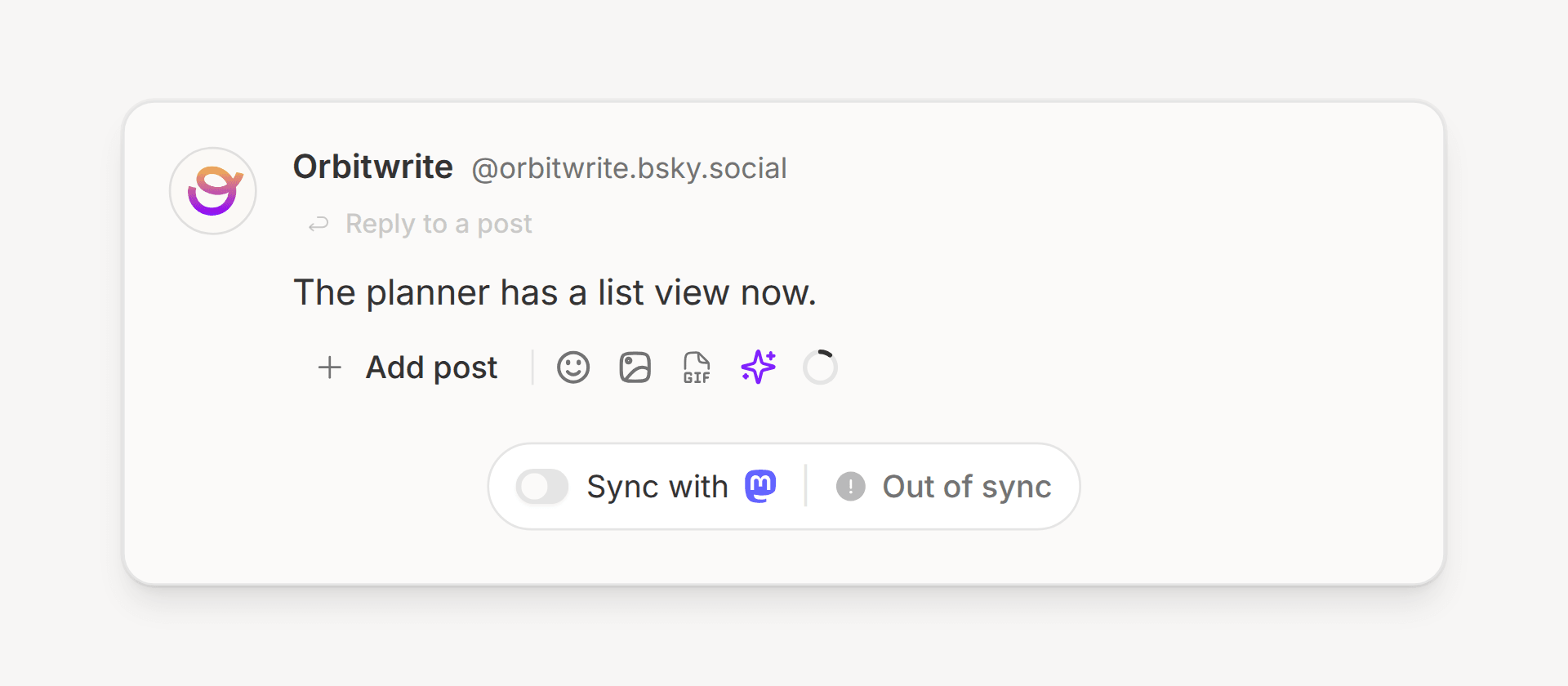
Out of sync appears beside the switch once that channel's words differ from the primary's. Turning the switch back on discards the channel's own text, and the composer asks before it does.
I write the Bluesky version first. Three hundred characters forces the point into the opening line, and the longer versions for Mastodon and Threads grow from there. The preview panel draws each channel the way its network will, so you can read all three before anything goes out.
Link cards
All three networks turn a link into a card. When the page behind the link sets no preview image, the card shows as a single line of text, and the post score tells you to "Add an image to the link card". Fix it with an og:image on the page, or attach an image to the post.
An attached image replaces the card on all three networks, so leave images off when you want the link to show as a card.
Hashtags
Each network treats hashtags its own way, and the post score checks them per channel:
- Threads allows one topic tag per post, and the score fails a Threads post with more.
- Mastodon has no recommendation algorithm, so hashtags are how people find a post. One to four works well.
- Bluesky feeds pick up a few tags. A long run of them reads as spam.
A Mastodon post with four tags is three over the Threads limit. Unsync the Threads copy, keep the one tag that names the topic, and leave the rest on Mastodon.
Alt text
All three networks take a description for each image, and Orbitwrite sends it with the upload. On Bluesky and Mastodon many people won't boost an image without one, so the post score fails a post where no image has alt text and warns when only some do.
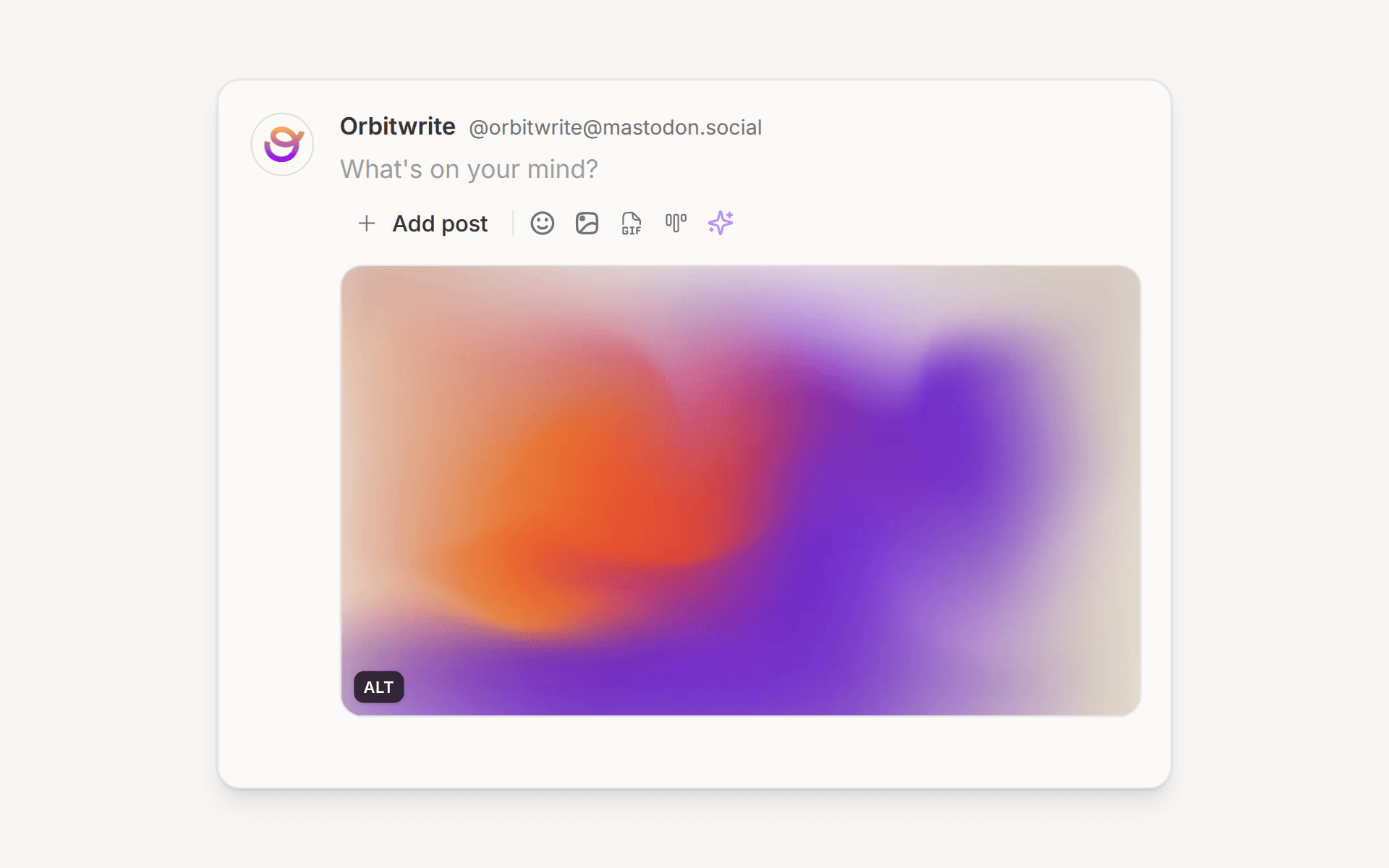
To add it, hover over an attached image and click the ALT badge in its bottom-left corner. The image editor opens with the cursor in the alt text field, and Generate drafts a description you can edit.
Mentions that point at the wrong person
A handle that works on one network can name a stranger on another. Mastodon handles include the server, as in orbitwrite@mastodon.social, because the same username can belong to a different person on every server. Type @ in the composer and Orbitwrite suggests handles for the channel you're writing in, starting with accounts your workspace already knows and then searching Bluesky or Mastodon.
In a synced post, a mention with no match on a network publishes as the plain name, without the @. We built it that way on purpose, because @Jamie Barton on a network where that handle doesn't exist could link to somebody else called Jamie. When a person matters on all three networks, unsync the channels and mention them on each one with the handle they use there.
Schedule each channel at its own time
Open the Schedule dialog and stay on the Next slot tab. It reads each channel's own posting schedule and puts the post in that channel's next free slot, so one post can go out on Bluesky in the morning, Mastodon at lunch and Threads in the evening. Click a channel's row to pick a different slot for it.
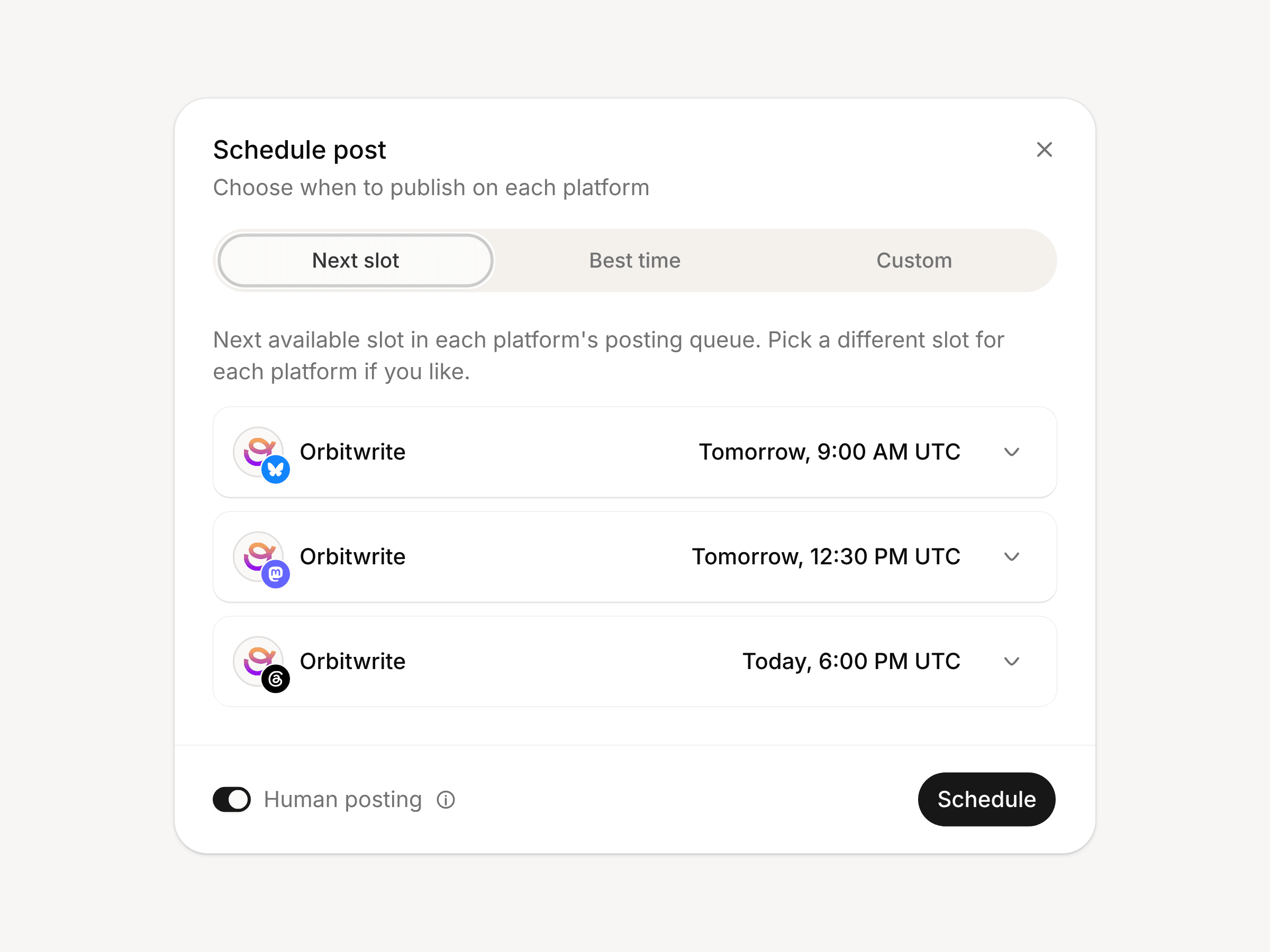
The Custom tab sets one date and time for every channel, with a per-platform override for the channel that needs a different hour. Each channel's recurring slots live in your posting schedule in settings, and the scheduling page covers how slots and the calendar fit together.
Posts to keep on one network
Some posts belong on one network:
- A post built around a mention or a tag that means something different elsewhere.
- A poll, when Mastodon is the only channel that can run it.
- A quote post, since Mastodon can't publish one.
Everything else goes out from one draft. Write it once, unsync the channel that needs different words, and let the others follow the primary.
Where to go next
Each network has its own page with the details that didn't fit here: Bluesky, Mastodon and Threads. To try it, connect all three in settings, open the composer and write the Bluesky version first. The same post can start in a chat too: Schedule posts from a ChatGPT chat shows ChatGPT writing and scheduling one.