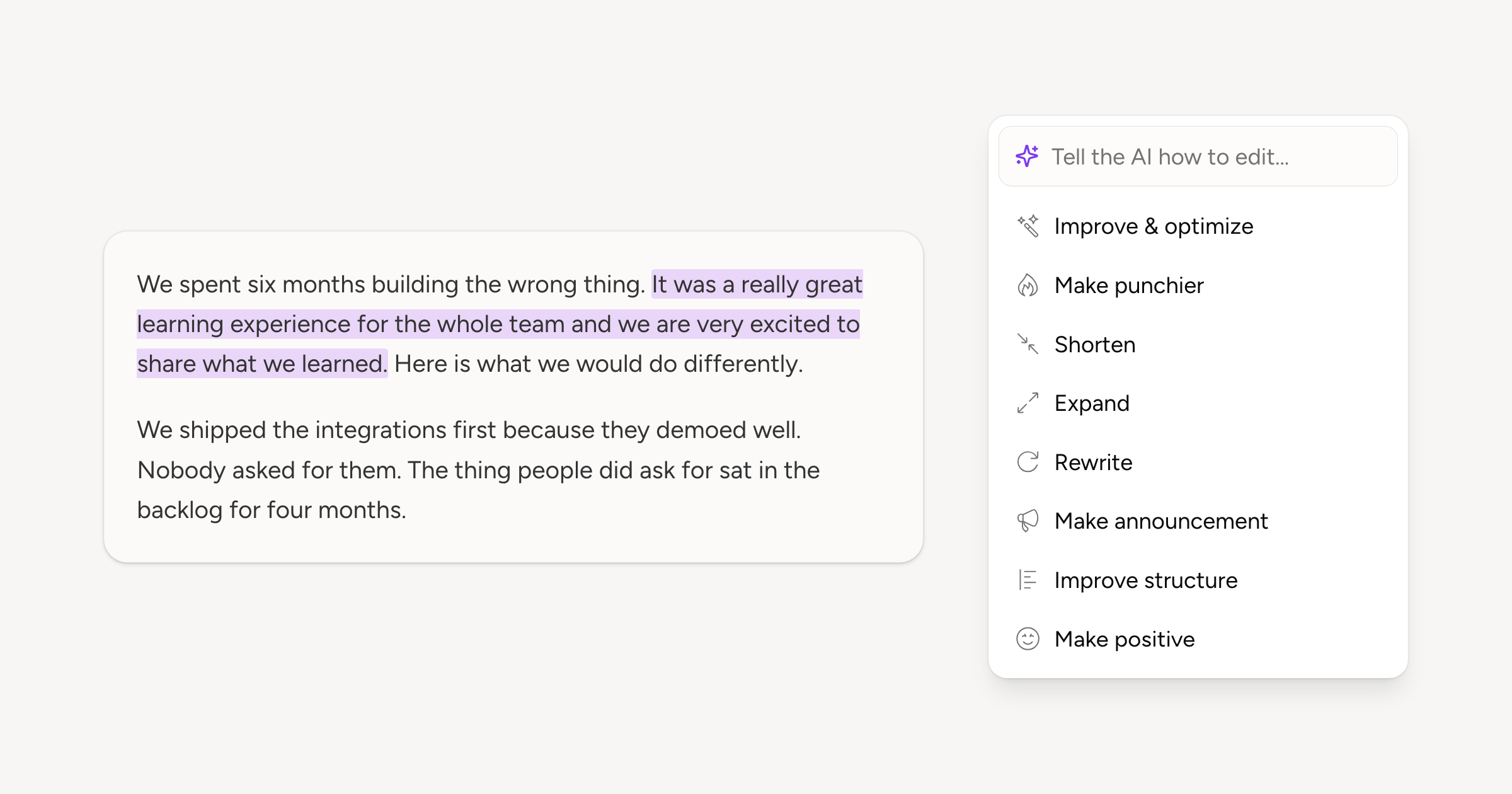
Select any text in the composer and a Refine with AI button appears over it, opening a palette of eight edits: Improve & optimize, Make punchier, Shorten, Rewrite and the rest. The box above them takes the change in your own words. The sparkle in the post's toolbar runs the same palette over the whole post.
You get back what you picked, in the same shape. Select a phrase and a phrase comes back, written with the rest of the post as context so it fits where it lands. The suggestion streams into a preview first: Replace swaps it in, Insert keeps both, Regenerate asks for another take, and Escape keeps your draft as it is.
Two entries do more than rewrite. A post over the network's limit gets a Create thread button that splits on sentence and paragraph boundaries. Add poll reads the post and suggests options for it, on the networks that take one.
The palette is in the auto-engagement reply editor as well, and the Inbox has a shorter version that rewrites a reply in place. Every rewrite goes through your brand voice.