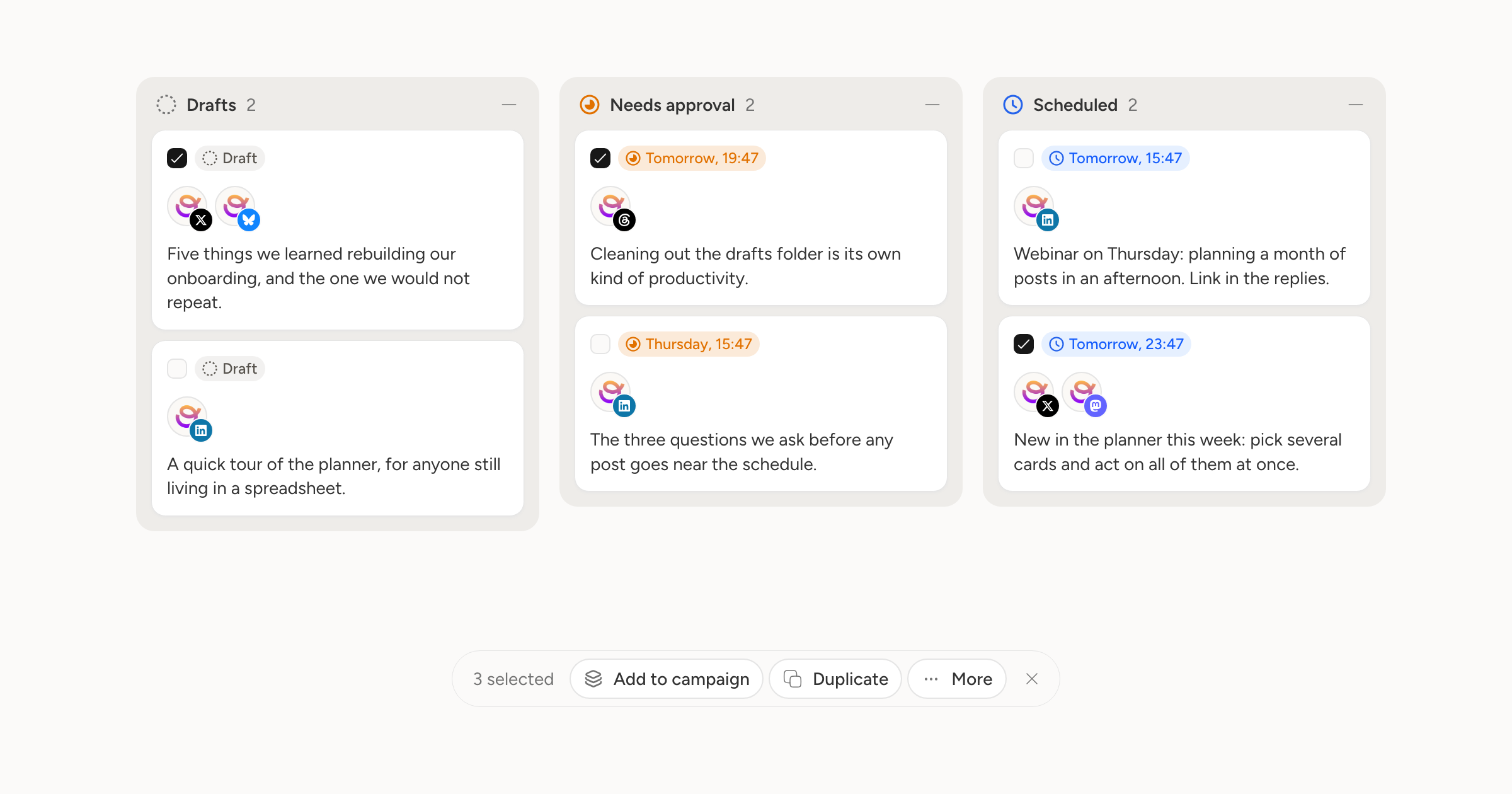
Tidying a board one card at a time gets old quickly.
Pick Select from any card's menu on the planner and the board switches to multi-select. Tick as many as you need and a bar appears with what you can do to all of them: add to a campaign, duplicate, ungroup, or delete.
If something fails partway, we say so and leave the posts that did not go through, rather than reporting success and quietly dropping a few.
The campaigns table works the same way, so clearing out a batch of old campaigns is one action instead of twenty.