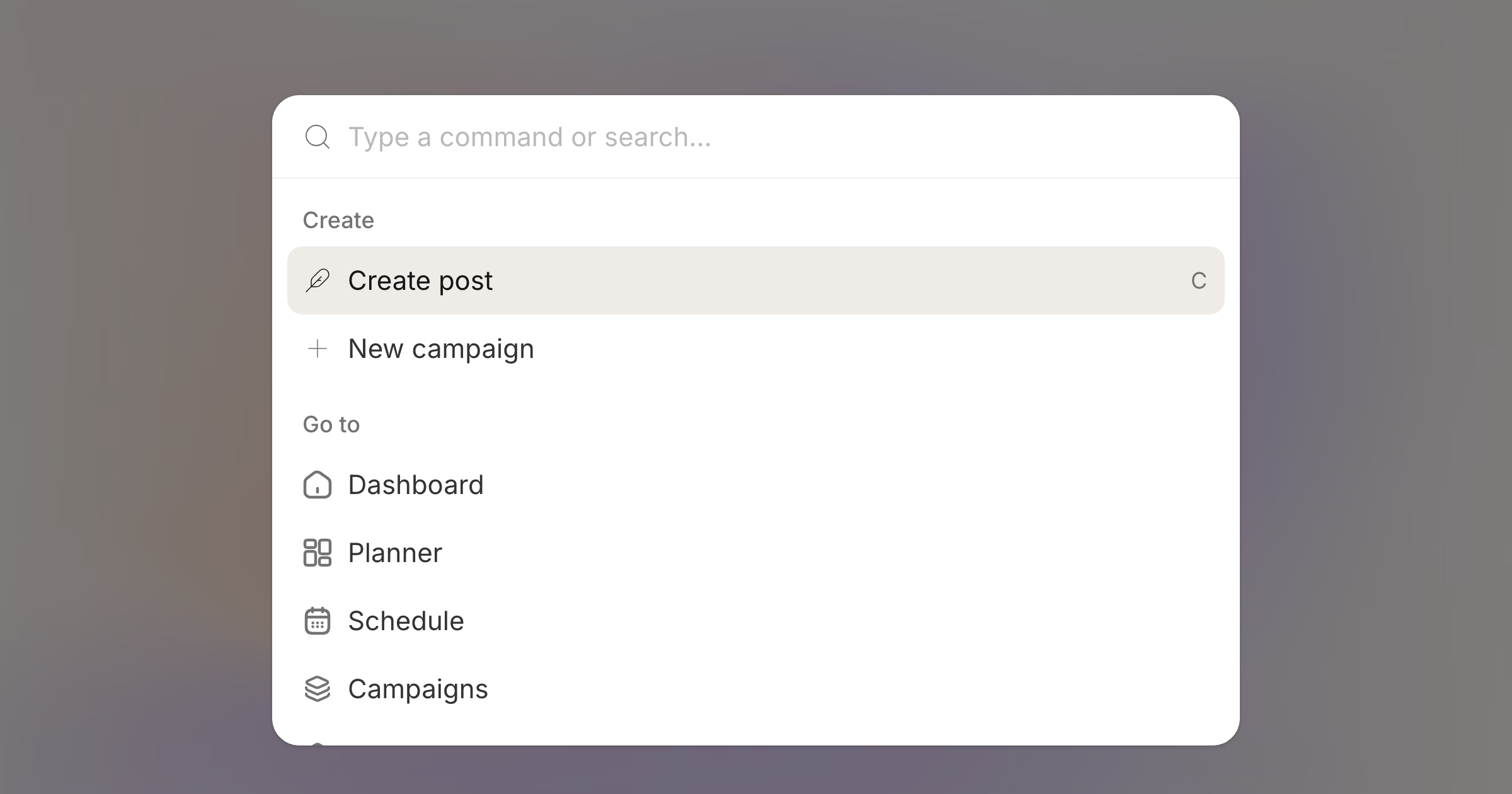
Press ⌘K, or Ctrl+K on Windows, from anywhere in your workspace.
You get three groups to start: create a post or campaign, go to the dashboard, planner, schedule or settings, and open any settings page directly.
In the composer
Open the menu with a post in front of you and the composer's own actions move to the top. Add a title, set tags, put the post in a campaign, request review, toggle the AI assistant or preview, schedule it, or publish now.
Actions you cannot use right now are greyed out rather than hidden, so you can see why. Tags, title and campaign open a small panel inside the menu, and Escape steps back one level instead of closing everything.
Searching your posts
Start typing and the menu searches your posts by content and title. Results are grouped into drafts, scheduled and posted, and picking one opens it in the schedule.