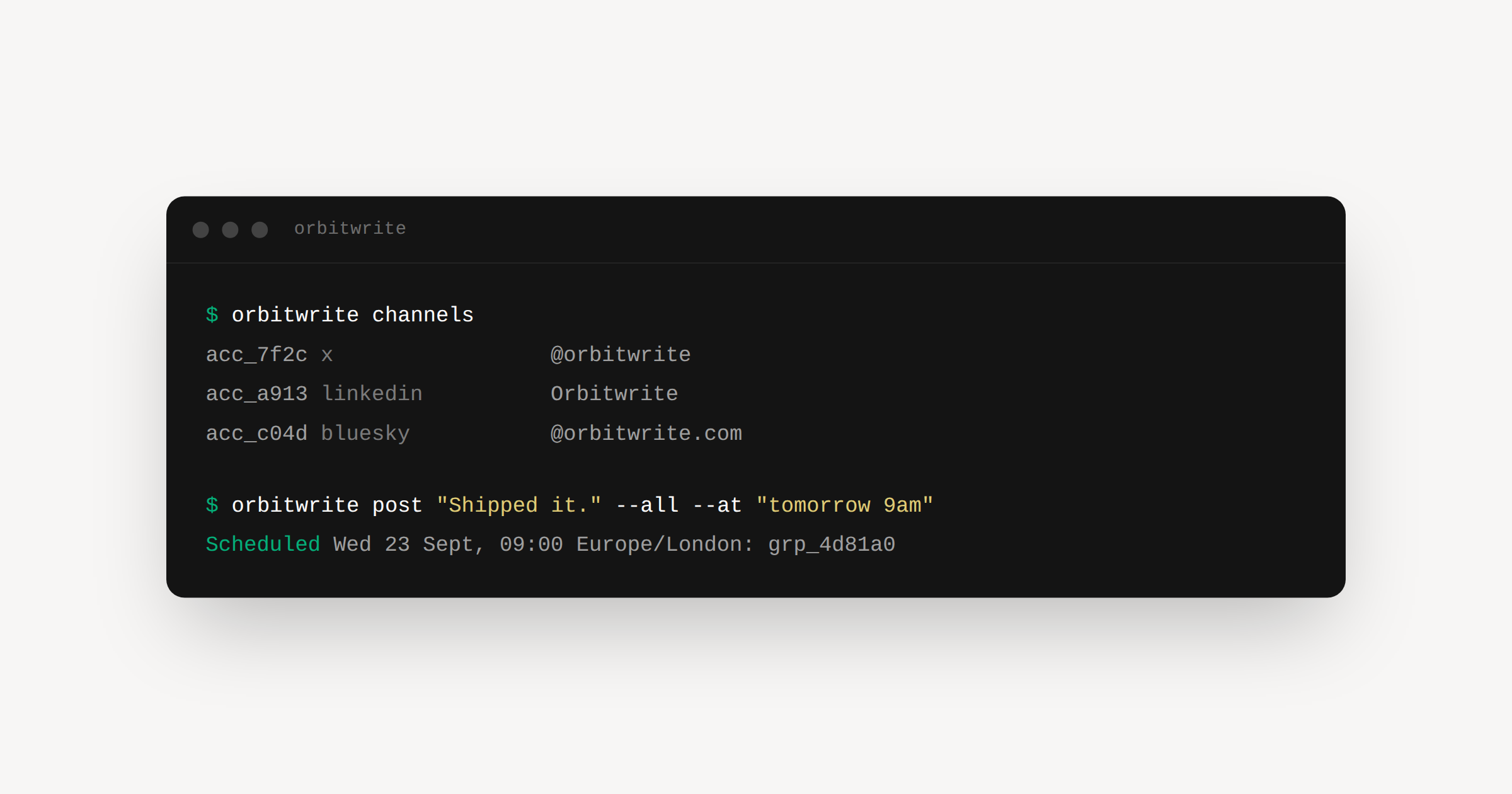
You can now post and schedule to social media from the command line. It runs on the same API the app does, so whatever you send lands on the same calendar, in the same slots.
npx @orbitwrite/cli post "Shipped it." --all --next
Install it properly if you reach for it often:
npm install -g @orbitwrite/cli
Setting up
Grab a workspace API key under Settings, API keys. The key picks the workspace, so that is the whole setup.
export ORBITWRITE_API_KEY=orbit_sk_...
orbitwrite whoami
The commands
orbitwrite whoami            Show the workspace behind your API key
orbitwrite channels          List connected channels
orbitwrite post <text>       Create a post
orbitwrite posts             List recent posts
orbitwrite slots             Show the weekly posting times
Posting asks you to say when, with one of --now, --at, --next or --draft.
orbitwrite post "Morning all" -c acc_1 --at "tomorrow 9am"
orbitwrite post "Shipped it." --all --next
orbitwrite post "half an idea" -c acc_1 --draft
--at takes plain English: 1pm, noon, wednesday, next friday 2pm, in 2 hours. Times are read in your workspace timezone and printed back, so you can see what it picked. --next finds the earliest slot that is free on every channel you named.
Add --json to any command and it prints that command's own result as JSON, which keeps jq happy:
orbitwrite channels --json | jq -r '.[].id'
Underneath it is the SDK, if you would rather build this into something, and the CLI page carries the full command reference.