Now that an account can hold several workspaces, signing in has to pick one for you. Until now it picked the one you were in last, which is right most of the time and wrong on a Monday morning after a weekend spent in your personal one.
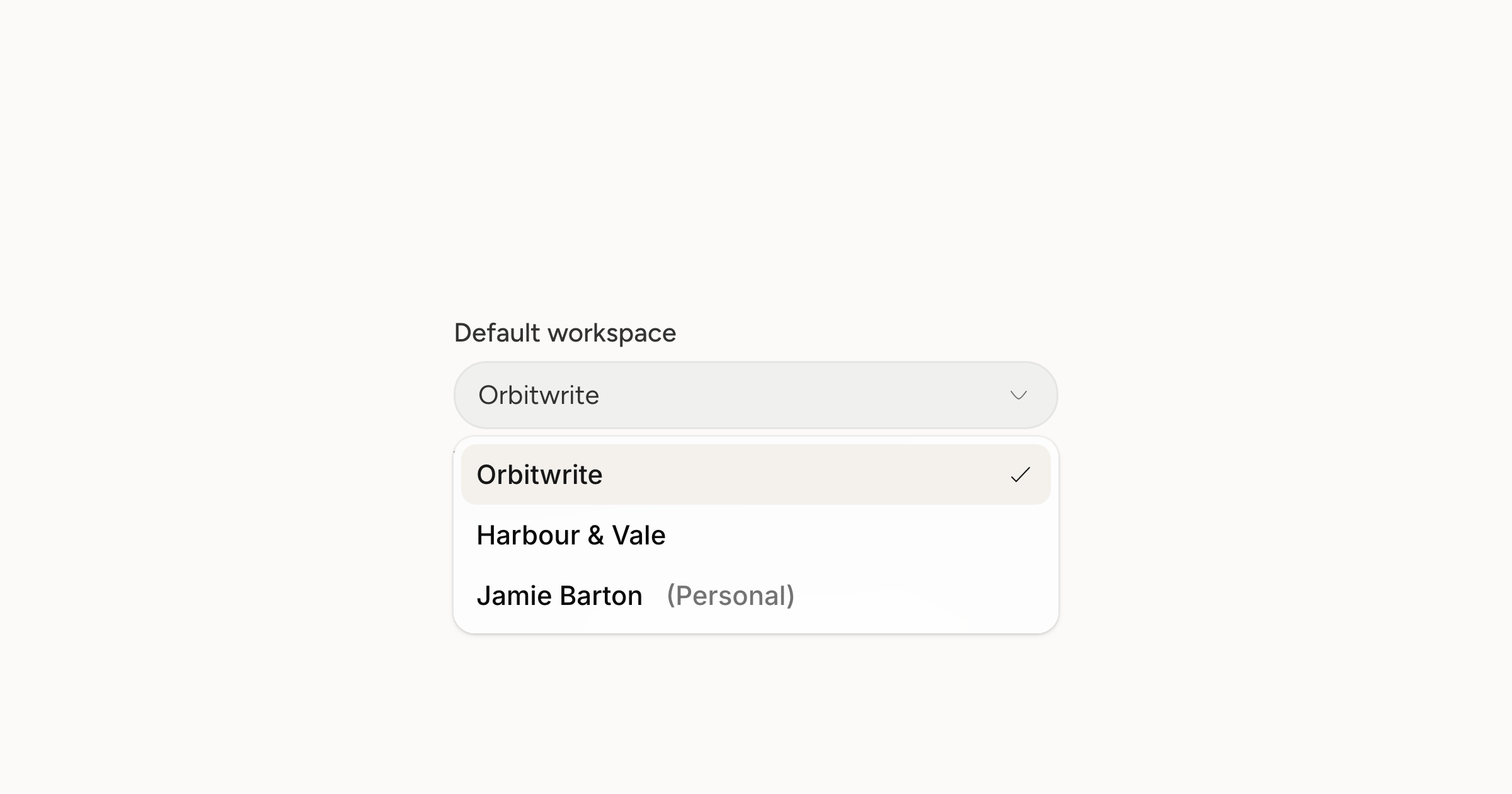
Account settings, General now has a Default workspace. Choose one and that is where signing in takes you, whatever you were in when you left.
The setting only appears once you have a second workspace, because before that there is nothing to choose. Your personal workspace is marked as such in the list, so you are not picking between two names that look alike.
Nothing else changes. Switching is still the picker at the bottom of the sidebar, and the workspace you switch to stays put while you work. This only decides where you start.