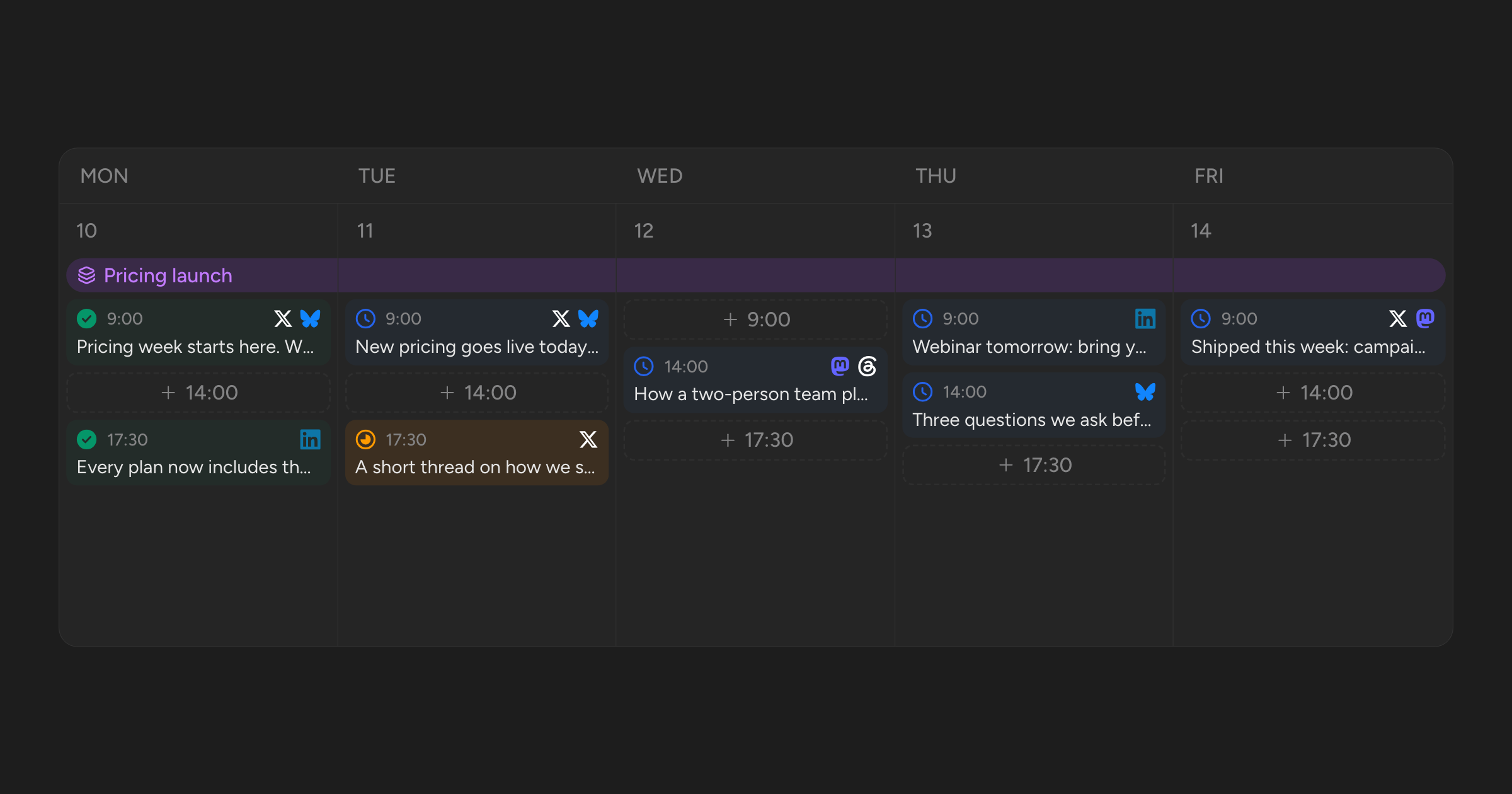
Pick an appearance in your profile settings. Each option has a preview, so you can see what you are choosing.
System follows your operating system and changes with it, without a reload. Your choice is saved to your account rather than the browser, so it follows you between devices.
The whole app went with it: the sidebar, planner, schedule, media, and the platform icons all have proper dark treatments rather than inverted light ones.