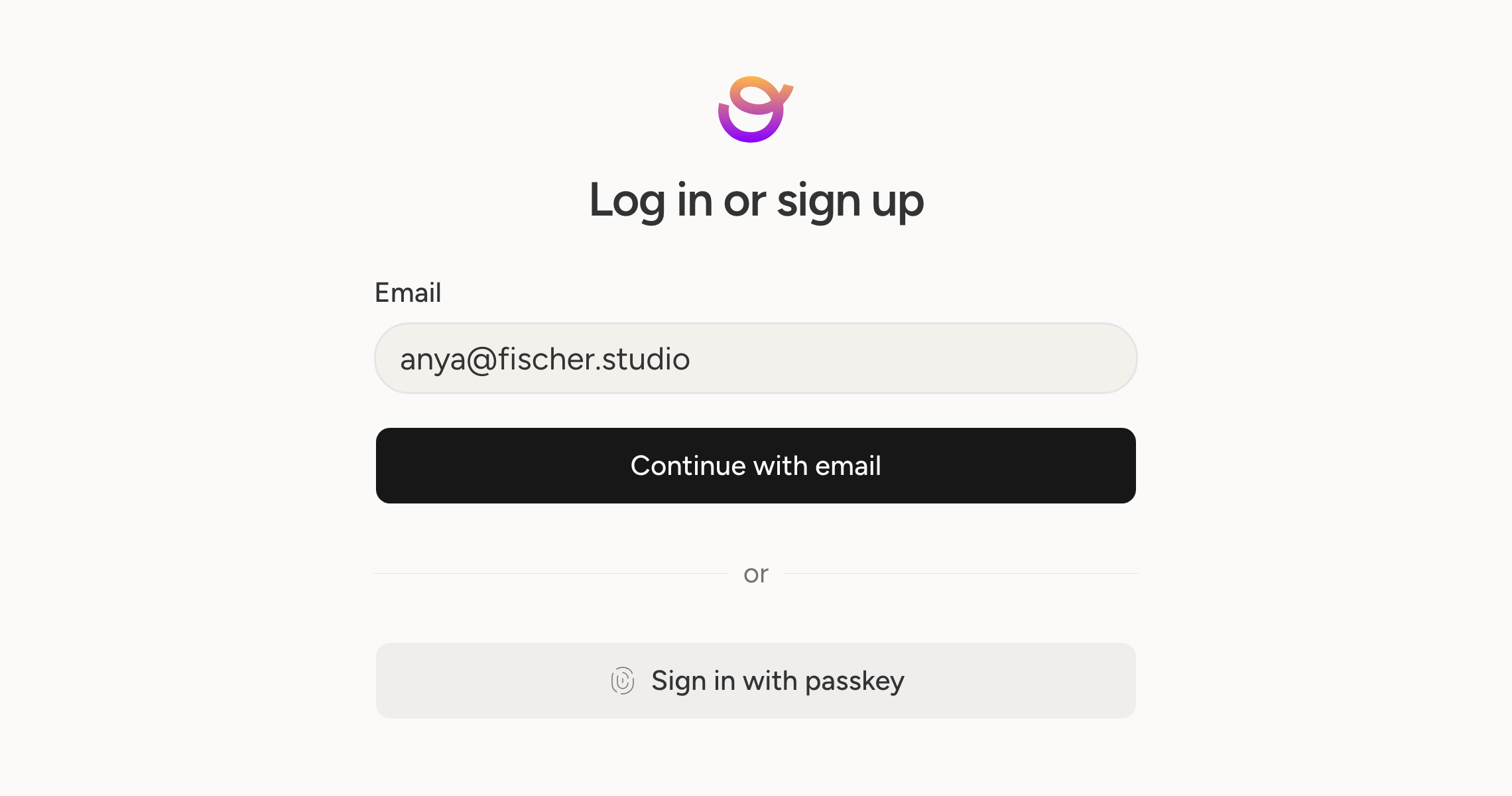
Your Orbitwrite account holds access to every social account you have connected, so it is worth locking properly.
Passkeys let you sign in with your device rather than a password. Add one from your account settings and use Touch ID, Windows Hello, or your phone.
Two-factor works with any authenticator app. Turn it on and keep the backup codes somewhere safe.
Sessions lists everywhere you are currently signed in, with the device, the IP address, and when the session started. Revoke one, or sign out every other device at once, which is the thing to do first if a laptop goes missing.
You can also add more than one email address to an account, so a work address and a personal one both reach you.