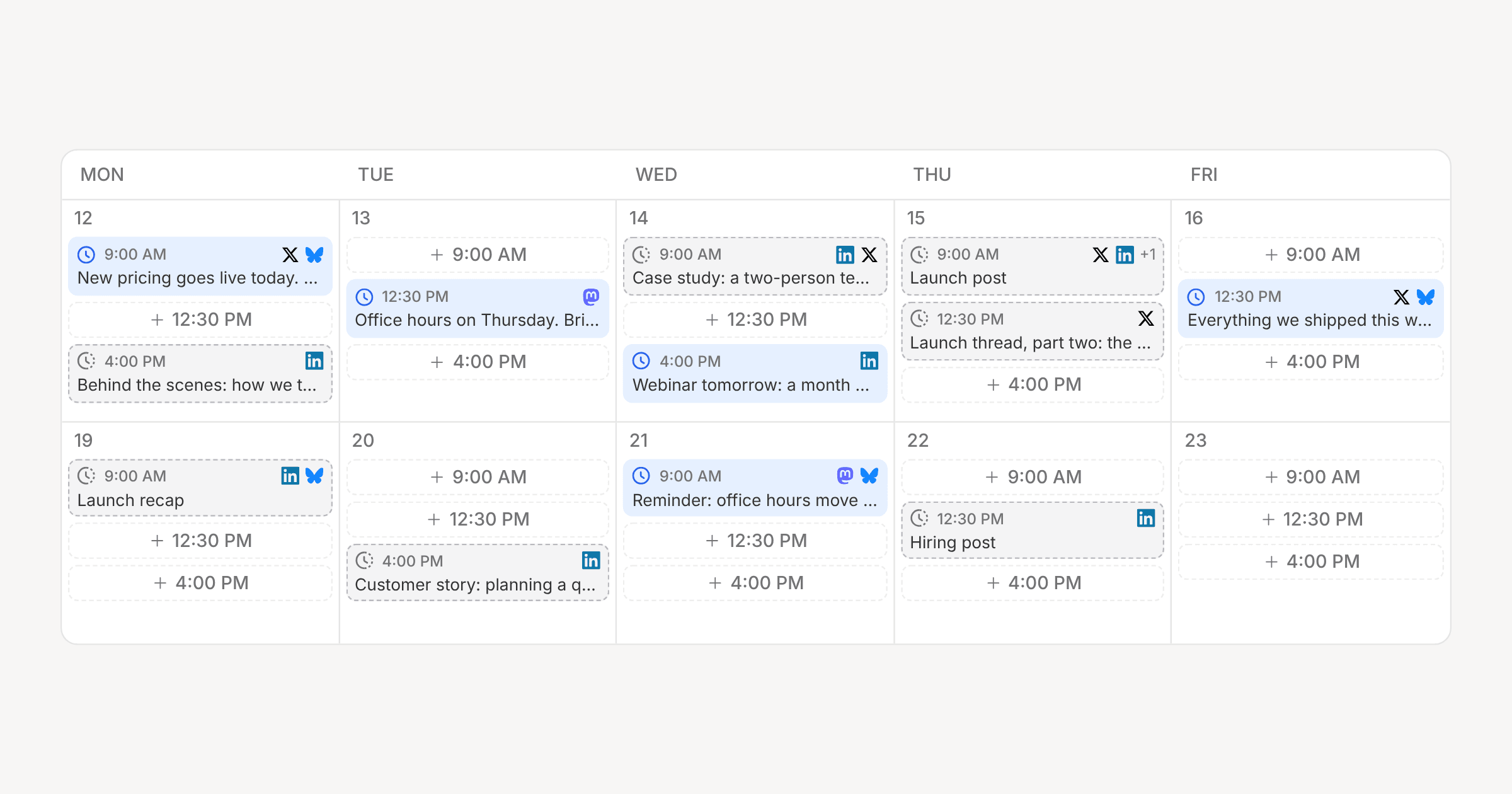
Some weeks you know Thursday at 10am is for the launch post before you've written a word of it. Plan it, and the slot is yours.
Pick Plan from the composer's publish menu or a card's menu, choose a time, and the post holds that slot on the calendar and in the queue. It can be empty. Nothing publishes a planned post, and if its time passes it stays put, flagged Overdue, until you decide what to do with it.
Where they show
- A Planned column on the planner, which you can drag drafts into.
- A Planned section in the schedule sidebar.
- Dashed pills on the calendar, and a "Plan for" button on every empty slot.
- A Planned status in the filters and the command menu.
When it's ready, click the time pill in the composer and choose Schedule or Post now. Replan moves the slot, and Unplan sends the post back to drafts with its content intact.
One post, one time
A post now has a single time. If you give channels different times, with Next slot, Best time or a per-channel override, scheduling or planning splits it into one post per time, and the toast tells you how many you got.
Planning is in the API, the SDK (posts.plan, posts.unplan), the MCP server (plan_post, unplan_post) and the CLI:
orbitwrite plan <post-id> --next