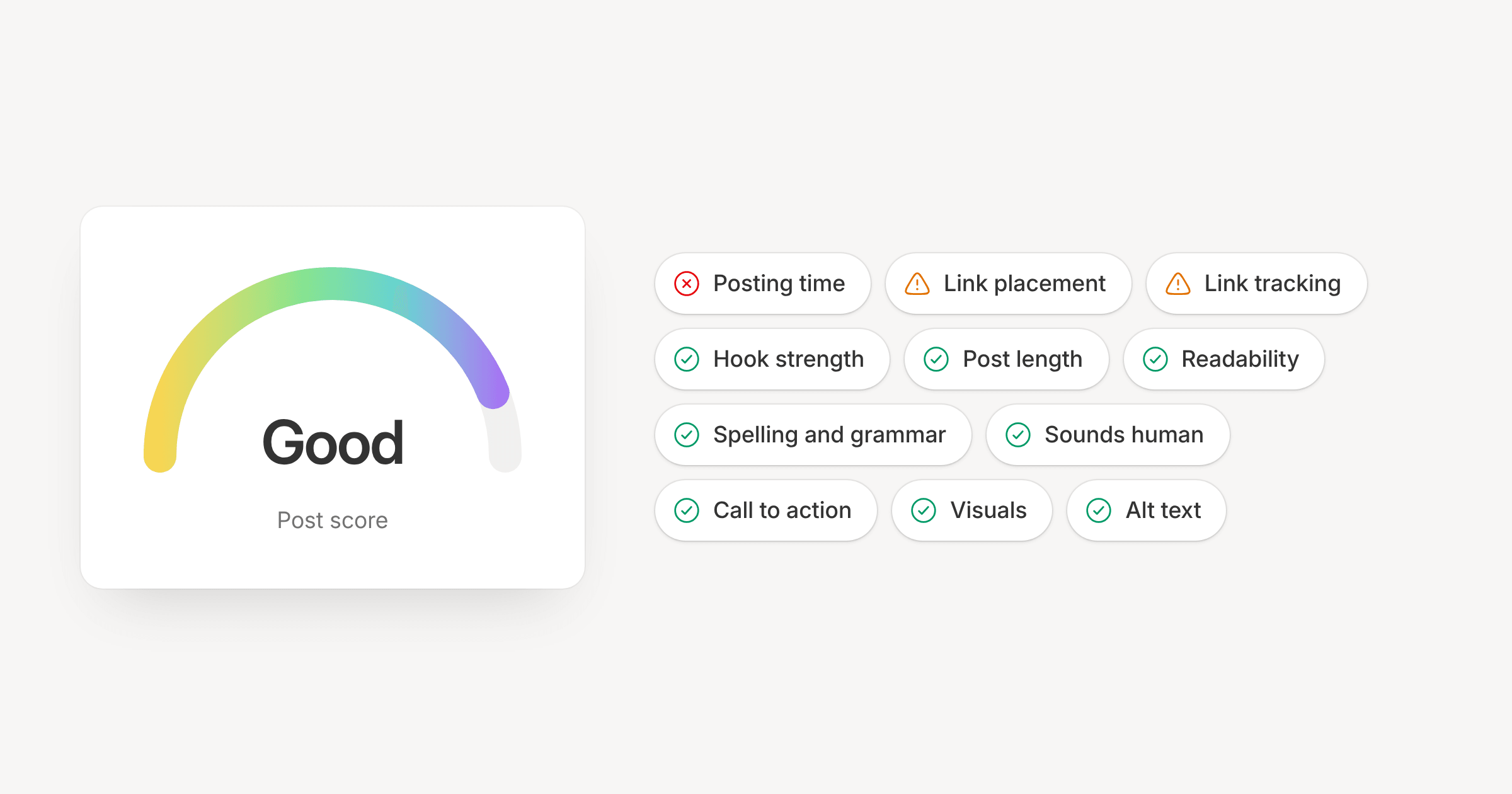
Open Post score in the composer's right rail and you get a health check of the post as you write it. Each channel is scored on its own network's norms, and the post gets one of four grades: Excellent, Good, Fair or Needs work.
What it checks
The checks look at the parts of a post that tend to decide how it lands:
- the hook, length and readability of the text
- whether it sounds human, with AI tells like stray em dashes flagged
- spelling slips, leftover placeholders such as
[INSERT LINK], and engagement bait on the networks that demote it - hashtags, mentions and a call to action
- where the link sits, whether it's tracked, whether it's safe, and whether its preview has an image
- images, alt text, posting time and your brand voice
Anything that needs work sits under "To improve" with the fix spelled out, such as "Add at least 49 characters". A link that isn't tracked gets a one-click Turn on link tracking.
The length and timing ranges come from each network's published guidance. They aren't drawn from your own analytics, and the panel says so.
Before it goes out
If a post grades Needs work when you schedule or publish it, the dialog lists the top fixes and a Review button. You can still send it as it is. The score is a nudge and never blocks a post.
Character limits and required media aren't scored. The composer already stops a post that breaks those.
Filter by score
The schedule and planner filters have a Post score section, so you can pull up every post graded Fair or Needs work and fix them in one sitting.
The score is in the API, the SDK (posts.score), the MCP server (score_post, score_content) and the CLI:
orbitwrite score <post-id>