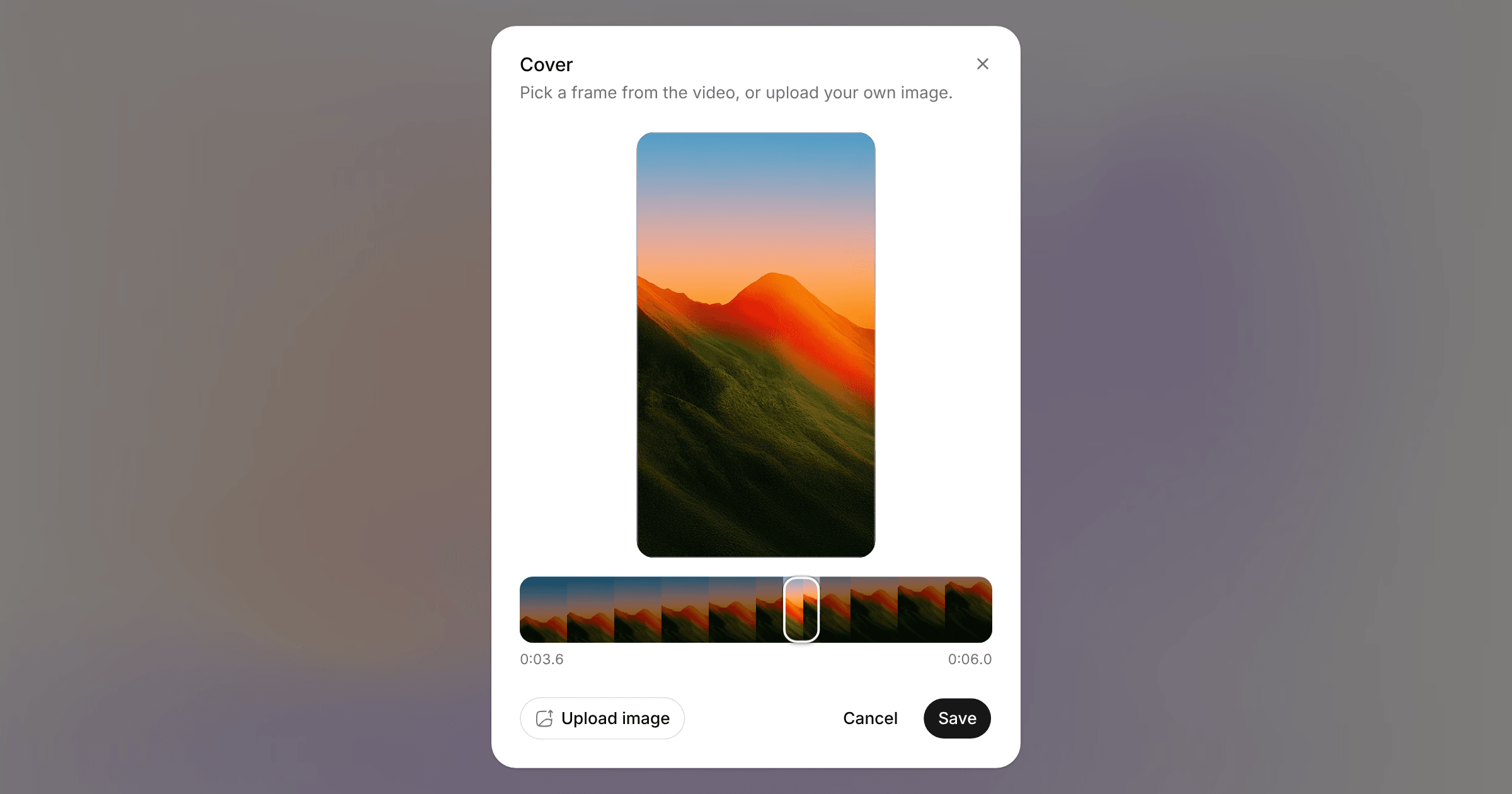
A video post with Instagram or TikTok selected now has a Cover row in its options. Open it, drag along the strip of frames, and pick the one people see before they press play.
Instagram also takes an uploaded image as the cover (JPEG, PNG or WebP). Covers apply to Reels and to a single video posted to the feed, which Instagram publishes as a Reel. Stories and carousels don't take one.
You can change the cover any time before the post goes out. It's in the API, the SDK (posts.setCover), the MCP server and the CLI:
orbitwrite cover <post-id> --frame 3.5