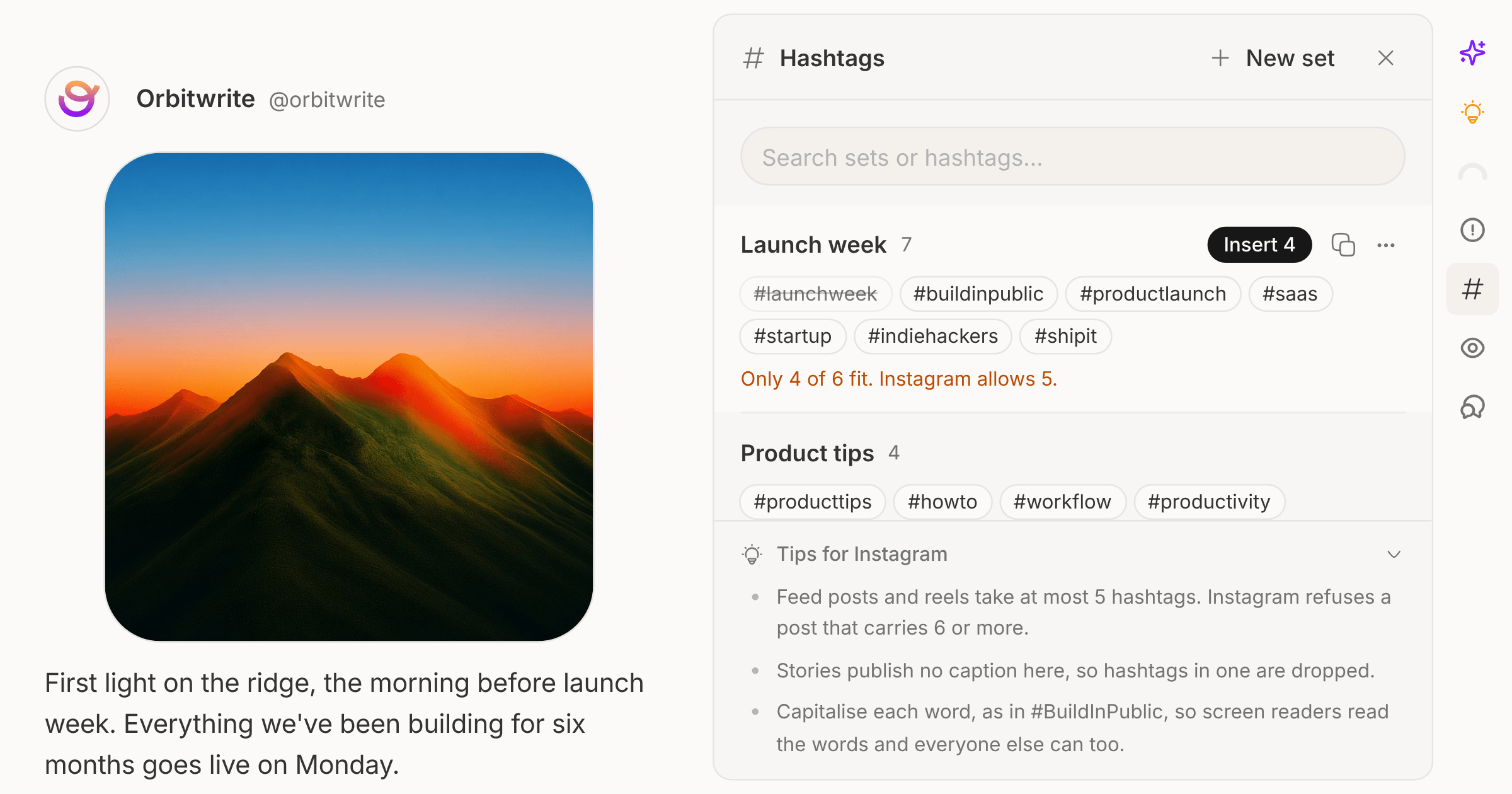
Most teams have a handful of hashtags they type over and over. Save them as a set once and they're one click away in every post.
Open Hashtags from the composer's rail. Create a set with a name and up to 30 hashtags, separated by spaces or commas, with or without the #. If the post already has hashtags, you can save those as a set straight away. Sets are shared with the whole workspace.
Click Insert and the set lands at your cursor, or in a new paragraph at the end of the post. Tags already in the post are skipped, and the insert stops at the network's limit, so Instagram gets five and the toast tells you what was left out.
Each network has its own Tips in the panel. Instagram refuses a post with six or more hashtags, Threads turns one into the post's topic, and YouTube shows the first three above the title. The composer now flags an Instagram post over the limit before you schedule it.
Hashtag sets are in the API, the SDK (hashtagSets), the MCP server and the CLI:
orbitwrite hashtags apply <set-id> "Launch day" --platform instagram