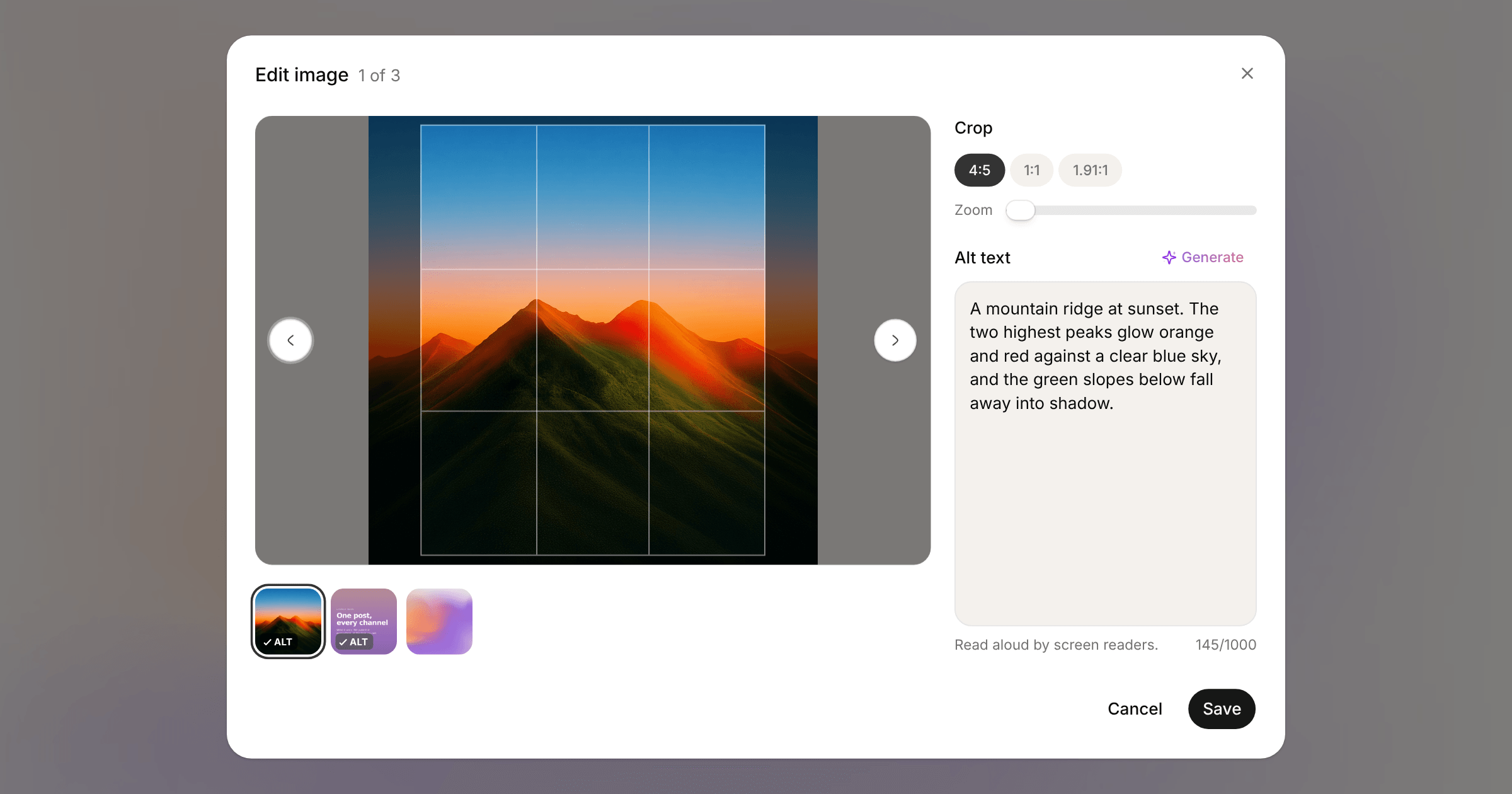
Click an image in the composer and it opens in Edit image, which steps through every image in the post.
Crop offers the shapes that suit the network you're posting to. Instagram feed posts get 4:5, 1:1 and 1.91:1, Stories get 9:16, and networks with no rules get a free crop alongside the common ratios. A zoom slider frames the shot.
Alt text sits underneath. Write your own, or click Generate and we describe the image for you. Each thumbnail carries an ALT badge that gets a tick once the image is described, so a missing description is easy to spot.
Generated alt text uses one AI assist. It's also in the API, the SDK (media.suggestAltText), the MCP server and the CLI:
orbitwrite alt-text <media-id>